VedBill Desktop Billing Software: The Complete User Guide for Indian Retailers
The definitive guide to VedBill Desktop Billing Software. Learn about installation, offline POS architecture, GST compliance, inventory control, and hardware setup.
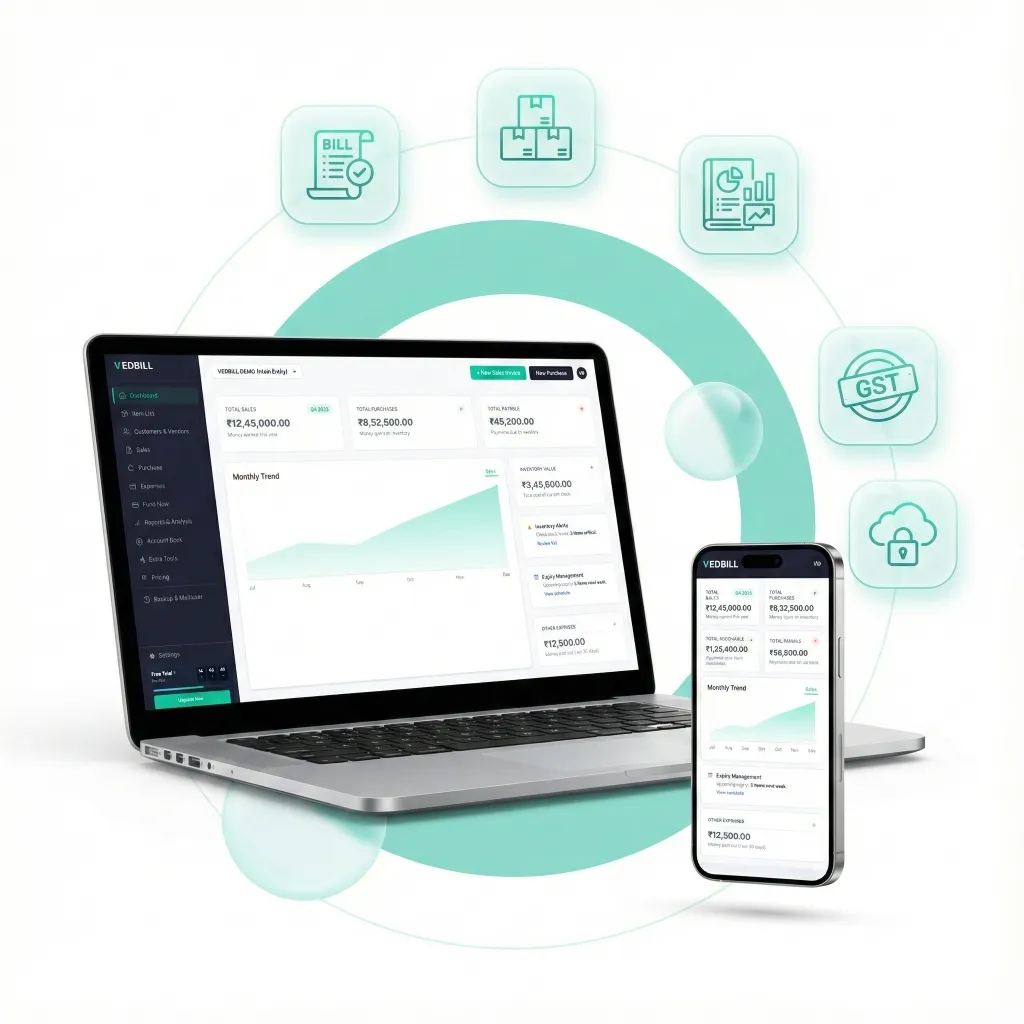
In the modern Indian retail landscape, business owners face an ongoing dilemma when selecting point-of-sale software. On one side are expensive, internet-dependent cloud tools that charge recurring monthly subscriptions and freeze when broadband drops. On the other side are complicated enterprise accounting packages packed with confusing accounting jargon that takes weeks to learn.
VedBill was created to bridge this divide. Engineered specifically for Indian retail shops, Kirana stores, supermarkets, pharmacies, garment showrooms, and wholesale distributors, VedBill delivers enterprise-grade point-of-sale billing, real-time inventory management, and complete GST compliance in a high-speed, 100% free, offline Windows desktop application.
This comprehensive user guide provides an exhaustive walkthrough of VedBill's architecture, core modules, hardware configurations, and best practices.
Direct Answer: What Is VedBill Desktop Billing Software?
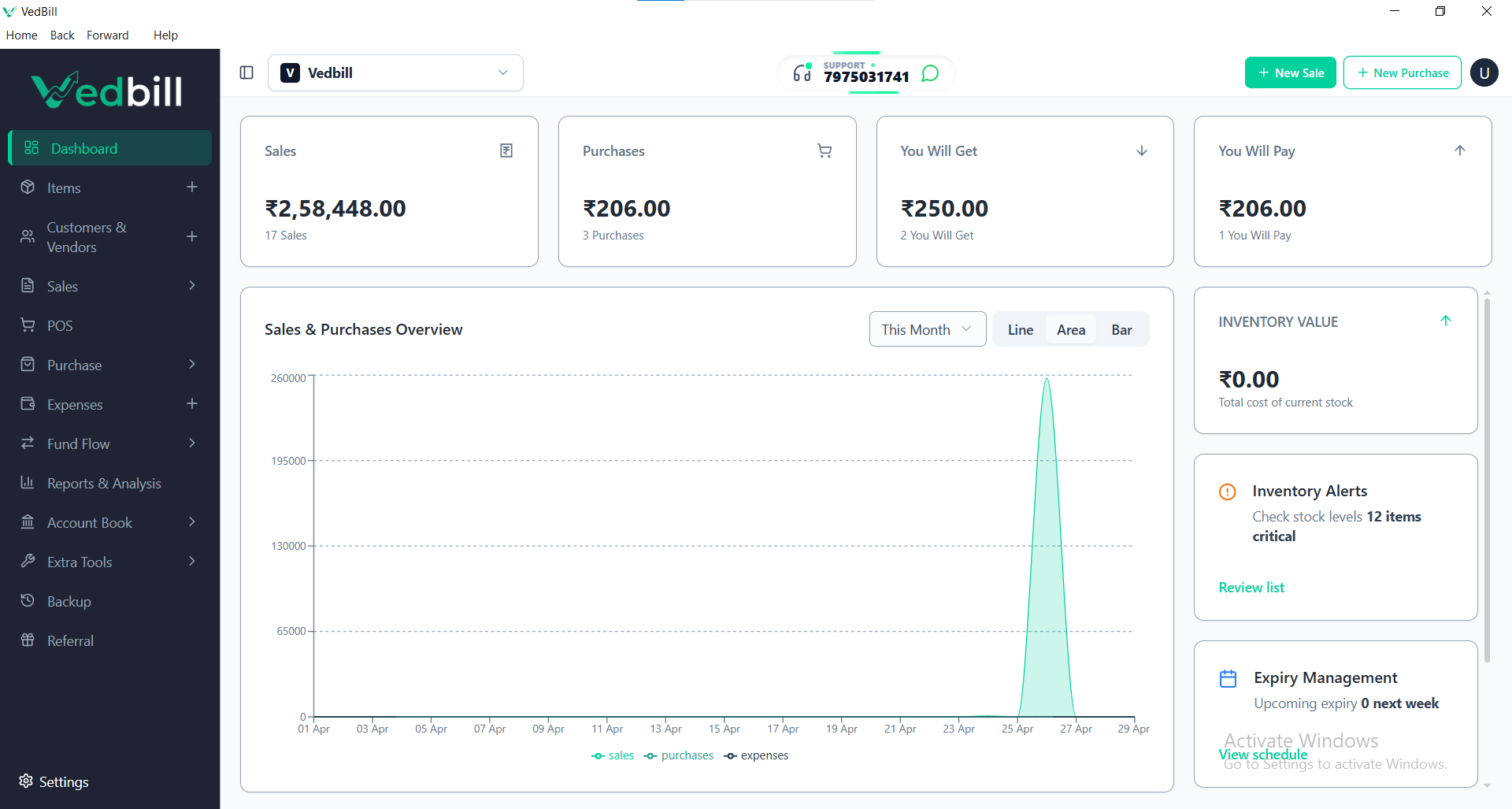
VedBill is a 100% free, offline desktop billing and retail point-of-sale (POS) software built for Windows PCs. It allows Indian shop owners to generate GST and non-GST invoices, scan barcodes, print thermal receipts, manage stock levels, track customer credit (Credit Ledger), and export GSTR sales summaries without paying subscription fees or relying on an active internet connection.
Unlike cloud systems that charge ₹5,000 to ₹25,000 in annual renewals, VedBill is permanently free, stores all sensitive business records securely on the merchant's local computer hard drive, and processes counter transactions in fractions of a second.
Why VedBill Is Built Offline-First
VedBill's architectural foundation is built on five core principles designed around the everyday realities of Indian commerce:
- Sub-Second Transaction Velocity: Local database queries execute in under 0.2 seconds. Counter staff can scan items, accept payment, and print receipts without experiencing loading spinners or network lag.
- 100% Outage Immunity: Retail counters cannot stop when monsoon downpours cut fiber cables or local power fluctuations disrupt broadband routers. VedBill runs continuously on battery or UPS power with zero internet connectivity.
- Complete Financial Privacy: Your business turnover, customer phone numbers, supplier purchase costs, and profit margins are stored exclusively on your private physical PC hard drive, never shared or uploaded to third-party commercial servers.
- Zero Recurring Financial Burden: Small profit margins should not be drained by recurring SaaS renewals. VedBill has zero license charges, no watermark limitations, and no invoice caps.
- Keyboard-First Ergonomics: Designed for high-volume retail counters where cashiers navigate entirely via streamlined keyboard shortcuts (F1 for New Bill, Enter to Finalize), maximizing throughput.
The VedBill Solution: Comprehensive Module Breakdown
VedBill unites all essential retail operations within a clean, unified desktop interface:
1. High-Speed Billing Counter
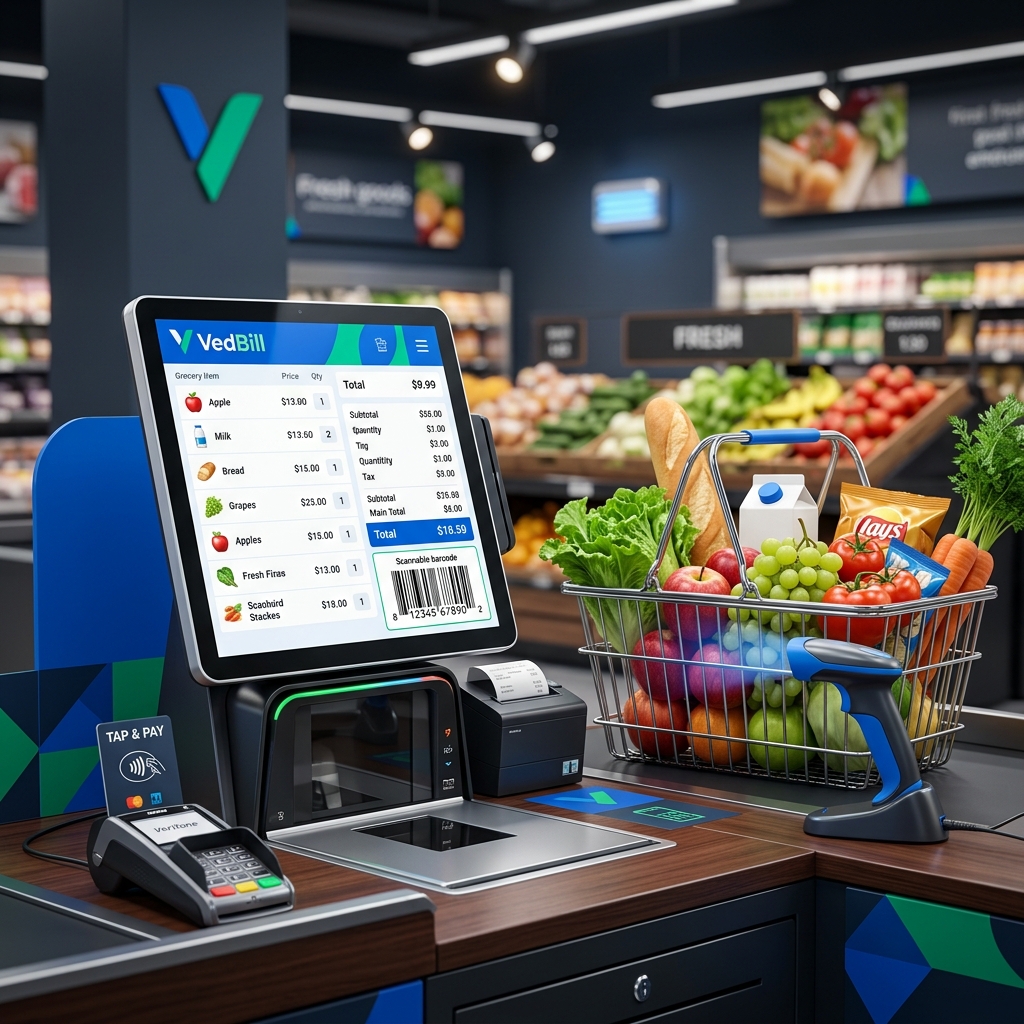
- Instant Item Search: Look up items via handheld USB barcode scan or by typing product names / shortcodes.
- Flexible Invoicing Modes: Generate GST Tax Invoices (B2B), Retail Cash Memos (B2C), and non-GST delivery slips.
- Dynamic UPI Payment QR Codes: Display or print scannable UPI QR codes directly on receipts, facilitating instant payments via Google Pay, PhonePe, and Paytm.
- Multiple Tender Modes: Split payments seamlessly across Cash, UPI, Credit Card, and Customer Store Credit (Credit Ledger).
2. Inventory & Stock Control
- Real-Time Stock Updates: Every transaction automatically deducts inventory units from available stock balances.
- Low-Stock Threshold Warnings: Define minimum safety quantities; VedBill alerts you when products require reordering before stockouts occur.
- Bulk Excel Catalog Management: Import or export your entire product catalog—including barcodes, MRPs, purchase costs, and opening stock—using simple spreadsheets.
- Batch & Expiry Management: Record manufacturer batch numbers and expiration dates to enforce First-Expiry-First-Out (FEFO) dispensing and prevent selling expired goods.
3. GST Compliance & Tax Engine
- Automated Tax Splitting: Automatically detects whether transactions are intra-state (splitting tax equally into CGST + SGST) or inter-state (applying IGST) based on customer state codes.
- HSN Code Management: Formats 4, 6, and 8-digit HSN codes on all printed invoices in strict compliance with GST Rule 46.
- One-Click GSTR Exports: Export monthly GSTR-1 outward supplies summaries and GSTR-3B tax totals to Microsoft Excel for your chartered accountant.
4. Customer Credit Ledger & Supplier Management
- Customer Credit Ledgers: Track outstanding credit balances for regular patrons with full transaction history logs.
- Supplier Purchase Inwarding: Record wholesale purchase bills to automatically update available stock counts and track accounts payable.
5. Hardware Compatibility & Printing
- Thermal Receipt Printing: Full ESC/POS compatibility with standard 58mm (2-inch) and 80mm (3-inch) USB thermal printers.
- Laser / Inkjet Printing: Print full-page professional A4 and A5 tax invoices for wholesale clients and corporate deliveries.
- Barcode Peripheral Support: Plug-and-play integration with standard 1D and 2D handheld USB laser scanners.
Hardware and System Requirements
VedBill is engineered to be lightweight, running smoothly on modern PCs as well as budget machines:
| Hardware Component | Minimum Requirement | Recommended Specification | | :--- | :--- | :--- | | Operating System | Windows 10 (64-bit) | Windows 10 or Windows 11 (64-bit) | | Processor | Dual-Core 1.8 GHz | Intel Core i3 / AMD Ryzen 3 or higher | | System Memory (RAM)| 4 GB RAM | 8 GB RAM | | Hard Drive Storage | 500 MB free disk space | Solid State Drive (SSD) with 1GB+ free space | | Display Resolution| 1366 x 768 | 1920 x 1080 (Full HD) | | Peripherals | USB Ports for printer & scanner| Standard USB Thermal Printer + 1D/2D Scanner |
Step-by-Step Installation and Quick Setup Guide
Get your retail counter up and running in under fifteen minutes:
Step 1: Download & Install
Download the official VedBill installer for Windows and run the setup wizard. Installation completes in less than two minutes.
Step 2: Configure Business Credentials
Launch VedBill and input your company information:
- Business Trade Name & Registered Address
- Contact Phone Number & Email
- 15-digit GSTIN (or select Non-GST mode)
- Bank details and UPI ID for payment receipts
Step 3: Connect Hardware Peripherals
Plug your USB thermal printer and barcode scanner into your computer. In VedBill's printer settings, select your installed printer driver and choose your preferred paper format (58mm, 80mm, or A4).
Step 4: Import Product Master
Navigate to Inventory and click "Import from Excel". Upload your existing product spreadsheet with item names, barcodes, purchase costs, MRPs, and GST rates.
Step 5: Issue Your First Bill
Press F1 to open a new bill, scan a product barcode, verify the total, and press Enter to print an instant, professional receipt.
Comprehensive Platform Comparison
| Evaluation Metric | VedBill Desktop Software | Commercial Cloud POS | Enterprise Accounting ERPs | | :--- | :--- | :--- | :--- | | Software Cost | 100% Free Forever | ₹8,000 – ₹25,000/year | ₹18,000 – ₹60,000 one-time + annual AMC | | Internet Dependency| Zero internet required | Mandatory high-speed internet | Mixed (Desktop / LAN) | | Checkout Speed | Sub-second local response| 2–5 second network latency | Slow; complex accounting menus | | Counter Usability | 15-minute learning curve | Moderate | Steep; requires certified accountants | | Data Sovereignty | Stored locally on your PC| Uploaded to vendor cloud | Stored locally | | Thermal Printing | Instant ESC/POS support | Often requires cloud bridge | Difficult printer driver setups | | GST Tax Reports | 1-click Excel export | Locked behind paywalls | Complex multi-step report generation |
Best Practices for Long-Term Data Security
While VedBill's offline architecture ensures complete privacy, protecting your local hardware is essential:
- Daily One-Click USB Backup: VedBill includes a built-in one-click database backup feature. At the end of each business day, insert a USB pendrive and export a backup copy.
- Connect a Reliable UPS: Connect your desktop PC to a basic 600VA UPS battery to protect internal components against sudden power cuts.
- Protect Admin Password: Restrict administrative permissions so counter staff cannot delete past invoices or alter master product prices without supervisor approval.
Frequently Asked Questions (FAQs)
1. Is VedBill truly 100% free, or is it a limited trial version?
VedBill is permanently free. There are no trial expiration timers, no invoice count restrictions, no watermark advertisements on printed receipts, and no paid feature tiers.
2. Can I use VedBill for businesses other than grocery shops?
Yes. VedBill is versatile and widely used across diverse retail sectors, including apparel boutiques, footwear shops, pharmacies, hardware marts, electrical stores, bakeries, and wholesale distributors.
3. Does VedBill require an internet connection to function?
No. VedBill is an offline desktop application. All database transactions, receipt printing, inventory tracking, and tax calculations operate 100% offline without requiring internet connectivity.
4. Can I print receipts in different sizes?
Yes. VedBill supports multiple print templates out of the box, including 2-inch (58mm) thermal rolls, 3-inch (80mm) thermal rolls, and standard A4/A5 laser paper invoices.
5. How do I transfer my VedBill data to a new computer?
Simply perform a one-click database backup to a USB flash drive from your old computer, install VedBill on your new machine, and select "Restore Database". All your items, customers, and historical sales records will be restored instantly.
Conclusion & Next Steps
VedBill delivers the speed, reliability, and precision modern retailers need to operate high-performance counters without recurring software expenses or internet vulnerabilities. By combining instant offline performance, automated GST compliance, real-time inventory control, and standard hardware integration, VedBill empowers Indian merchants to take full command of their store operations.
Transform your retail counter operations today.
Download VedBill Free for Windows Desktop and join thousands of Indian shop owners running fast, dependable, zero-cost retail billing.
Manage Your Store with VedBill Desktop Software
VedBill is 100% free desktop billing software built for retail shops, supermarkets, pharmacies, and small businesses in India. No recurring subscriptions or expensive cloud fees.
VedBill Editorial Team
Retail & Billing Specialist at VedBill