Best Desktop Billing Software for Windows PC in India (Offline & Fast)
Discover why Windows desktop billing software outperforms cloud apps for retail checkout counters. Compare speed, hardware support, and offline reliability.
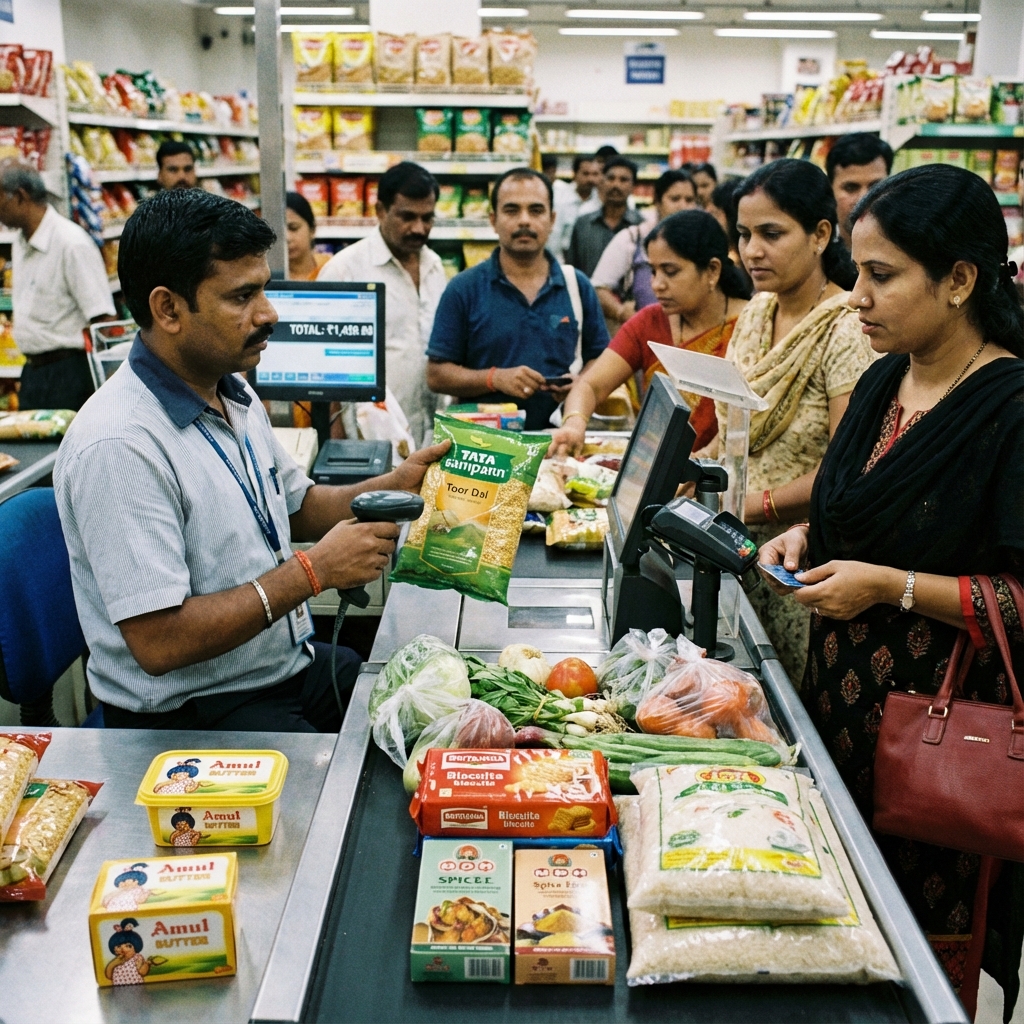
While web applications and cloud dashboards receive extensive tech industry attention, physical retail stores on Indian high streets operate under different real-world conditions. During peak evening rush hours, when dozens of customers queue at the counter, a web browser displaying a loading spinner due to a sluggish internet connection can cause chaos and lost revenue.
For checkout speed, hardware compatibility, and operational reliability, nothing matches a native Desktop Billing Software for Windows PC.
This guide explains why desktop architecture remains the gold standard for retail checkout counters, details essential hardware requirements, and showcases the best desktop solutions for Indian shopkeepers.
Direct Answer: What Is the Best Desktop Billing Software for Windows PC?
The best desktop billing software for Windows PC is a native offline application that processes transactions with zero latency, communicates directly with USB POS peripherals (thermal printers, barcode scanners, and weighing scales), and stores all data securely on your local hard drive.
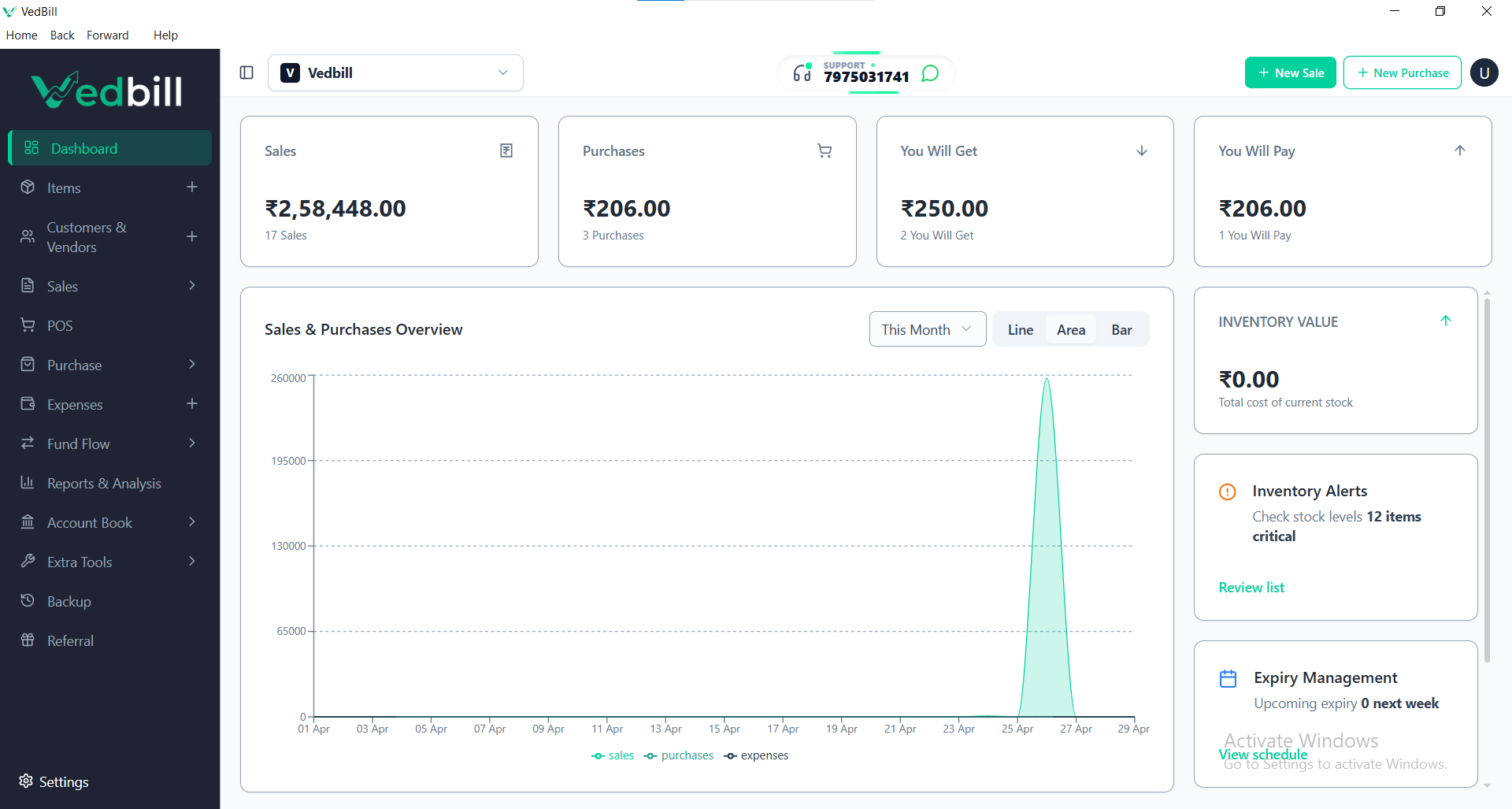
VedBill is the top-rated free desktop billing software for Windows PCs in India. It runs smoothly on Windows 7, 8, 10, and 11, boots instantly, executes transactions in milliseconds without network delays, supports standard thermal and laser printers, and provides lifetime access with zero subscription costs.
Why Native Desktop Software Outperforms Cloud Web Apps for Retail
1. Instantaneous Sub-Second Execution
Native Windows software runs compiled machine code directly on your computer processor. Item barcode lookups and invoice calculations execute in under 10 milliseconds, compared to web applications that require round-trip network requests to remote cloud servers.
2. Direct Hardware and Peripheral Communication
Desktop applications interact directly with Windows hardware ports (USB, Serial, and Virtual COM ports). Thermal receipt printers fire instantaneously, cash drawers trigger reliably, and barcode scanners send input without browser focus issues.
3. Complete Independence from Internet Outages
Whether your local broadband is active, running slowly, or completely severed, a desktop billing program functions at 100% capacity. You can ring up customers, print receipts, and manage inventory without interruption.
4. True Data Ownership and Security
When business data is stored on third-party cloud servers, access is subject to server downtimes and ongoing subscription fees. With native desktop software, your financial numbers, customer lists, and supplier rates remain on your physical hard drive with easy USB backup options.
Recommended Hardware Specifications for Windows Billing
A common misconception is that computerized billing requires costly high-end computing hardware. Efficient desktop software like VedBill runs reliably on standard, budget-friendly equipment:
- Operating System: Windows 7, Windows 8, Windows 10, or Windows 11 (32-bit or 64-bit).
- Processor: Intel Core 2 Duo, Core i3, or AMD equivalent.
- Memory (RAM): 2 GB minimum (4 GB recommended for large databases).
- Storage: 500 MB free hard drive space.
- Display: Any monitor with 1024x768 resolution or higher.
- Printer: Standard USB POS thermal printer (TVS, Epson, NGX, Retsol, Everycom) or office laser printer.
Step-by-Step Setup: Installing Desktop Billing Software
Setting up a complete billing counter takes under 15 minutes:
- Download the Installer: Obtain the setup file from the official VedBill Download Page.
- Run Installation: Follow the on-screen prompts to install the application onto your Windows computer.
- Configure Store Profile: Enter your business name, address, contact numbers, and optional GSTIN.
- Connect Printer: Plug in your thermal receipt printer via USB and select it in the software settings.
- Import Inventory: Upload your existing product list using a simple Excel template or create items manually.
- Start Billing: Begin scanning barcodes or searching products to issue your first receipt.
Common Mistakes with Desktop Billing Software
- Failing to Maintain Regular Backups: Relying solely on a single internal hard drive is risky. Always configure regular backups to an external USB thumb drive.
- Neglecting System Date and Time Settings: Inaccurate computer clock settings cause incorrect invoice timestamps and tax reporting dates.
- Running Unnecessary Background Apps: Running heavy web browsers or gaming applications on the billing terminal can reduce counter responsiveness during rush hours.
Architectural Comparison: Desktop vs Cloud Billing
| Feature | Windows Desktop Software 💻 | Browser-Based Cloud App ☁️ | | :--- | :--- | :--- | | Response Time | 5 to 10 milliseconds | 500 to 2,000 milliseconds | | Network Dependence | Zero (100% Offline) | Requires constant high-speed connection | | Pricing Model | Free / One-Time Ownership | Monthly / Annual Recurring Rental | | Printer Integration | Direct Windows spooler integration | Often requires browser printer extensions | | Data Control | Physical local drive storage | Stored on third-party remote server |
The VedBill Solution: Why VedBill is the Premier Windows Desktop Choice
VedBill Desktop Software is engineered specifically for Windows PCs in Indian retail environments:
- Optimized Performance: Boots in seconds and handles stores with tens of thousands of items without freezing or lag.
- Keyboard-First Operation: Designed for rapid number-pad navigation so cashiers rarely need to touch the mouse during rush hours.
- Automated Backup Protection: Automatically creates an encrypted database backup each time the software closes.
Experience the speed of native desktop billing by downloading VedBill Free today.
Frequently Asked Questions (FAQs)
1. Can I use VedBill on a laptop instead of a desktop PC?
Yes. VedBill runs smoothly on any Windows laptop, offering the added advantage of built-in battery backup during power outages.
2. What happens to my data if my computer crashes?
VedBill includes a one-click backup utility. As long as you regularly copy your backup file to a secondary USB thumb drive or cloud folder, your database can be restored on any new computer in minutes.
3. Does VedBill support touchscreen all-in-one POS terminals?
Yes. VedBill is compatible with standard touchscreen POS machines running Windows 10 or 11.
Conclusion
For Indian retail shop owners prioritizing speed, reliability, and zero ongoing overhead, Windows desktop billing software provides the ultimate combination of performance and independence.
Upgrade your checkout counter today. Download VedBill Free and take full control of your store billing.
Manage Your Store with VedBill Desktop Software
VedBill is 100% free desktop billing software built for retail shops, supermarkets, pharmacies, and small businesses in India. No recurring subscriptions or expensive cloud fees.
VedBill Engineering Team
Retail & Billing Specialist at VedBill