Best Billing Software for Grocery Shops with Fast Barcode Checkout
Master grocery store management with fast barcode billing software. Streamline FMCG stock replenishment, weighing scale integration, and profit analytics.
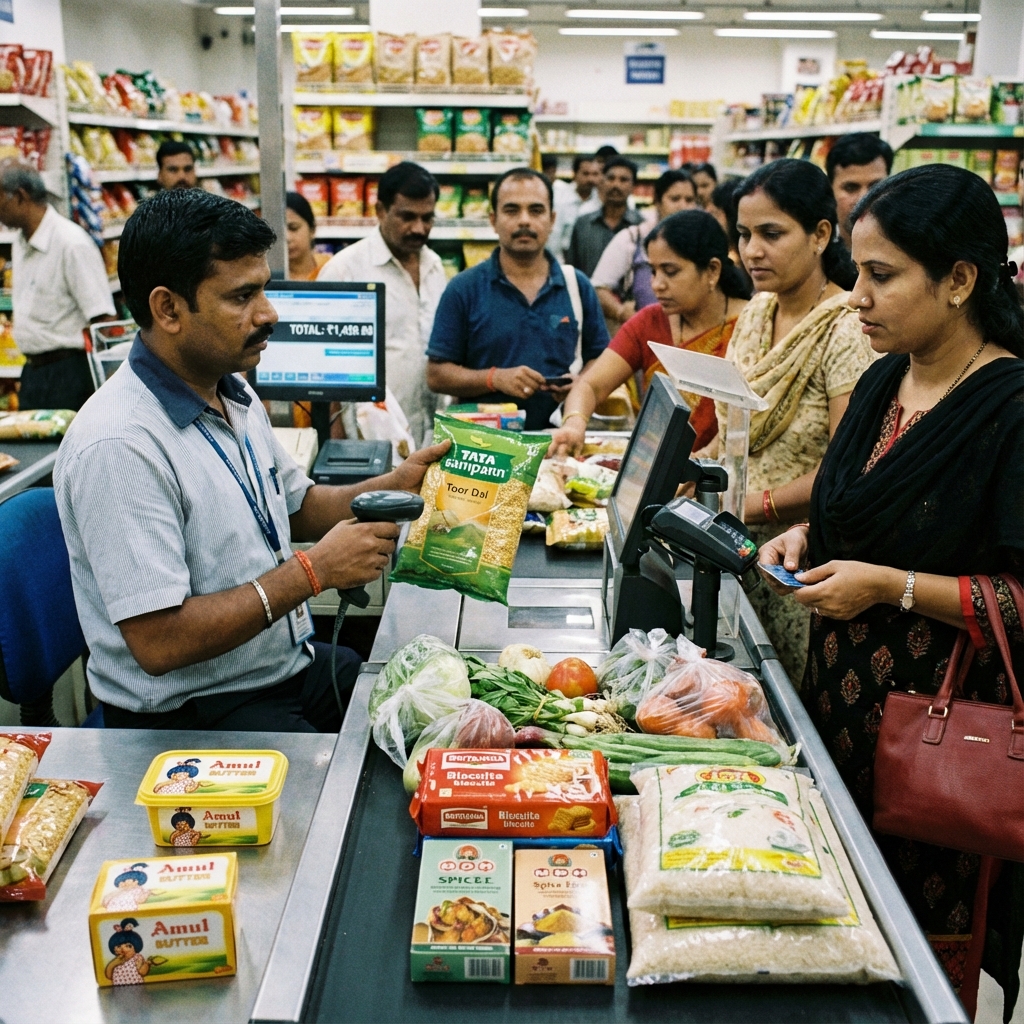
Grocery stores handle an extraordinary volume of transactions and stock items every single day. From perishable dairy and produce to packaged dry groceries, personal care products, and cleaning supplies, a typical grocery retailer manages between 2,000 and 10,000 distinct items.
Without modern billing and inventory software, grocery store owners face constant challenges: untracked inventory shrinkage, slow checkout lines during evening rush hours, and lack of clarity on daily profit margins.
This guide reviews the best billing software for grocery shops, explaining essential POS features, barcode management, and how computerized stock control maximizes store profits.
Direct Answer: What Is the Best Billing Software for Grocery Shops?
The best billing software for grocery shops is an offline desktop POS system equipped with high-speed barcode scanning, electronic weighing scale integration, real-time inventory deduction, and automated reorder alerts for fast-moving consumer goods (FMCG).
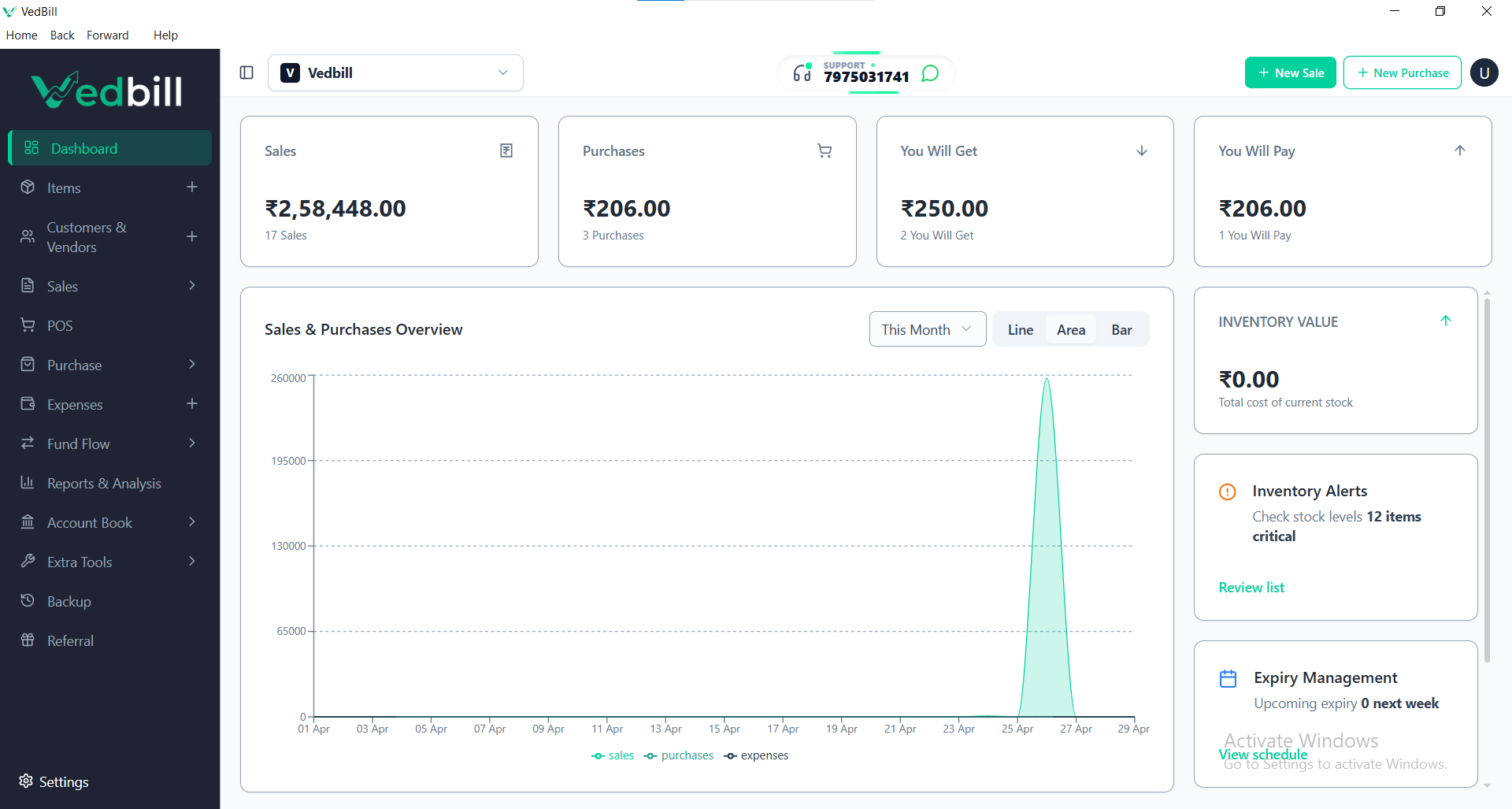
VedBill is the leading free grocery billing software for Indian retailers. It runs 100% offline on any Windows PC, processes barcode scans in milliseconds, connects with standard thermal receipt printers and digital scales, and tracks inventory balances without demanding recurring monthly subscription fees.
Key Operational Bottlenecks in Grocery Retailing
Grocery merchants face specific operational hurdles that generic retail systems fail to address:
- Heavy Evening Rush Hours: Customers purchasing daily staples expect rapid service. Slow software creates bottlenecked lines that discourage shoppers.
- High Inventory Shrinkage: Retail studies indicate that Indian grocery stores lose between 3% and 5% of monthly revenue due to untracked breakage, damaged packaging, and employee theft.
- Thin Profit Margins on Staples: Grains, sugar, and cooking oils often carry thin profit margins. Precise cost tracking is critical to ensure pricing remains profitable.
- Supplier Delivery Reconciliation: Receiving bulk shipments from multiple FMCG distributors requires fast purchase bill entry to update cost prices and stock balances.
Essential Features for Grocery Billing Software
When choosing a billing platform for your grocery shop, verify these essential features:
1. Rapid Barcode Scanner Response
The software must identify scanned product barcodes in under half a second, automatically populating the item name, pre-set price, and applicable tax rate.
2. Integrated Digital Weighing Scale Support
For fresh fruits, vegetables, and loose grains sold by weight, direct integration with digital scales eliminates manual weight entry and stops cashier pricing mistakes.
3. Automated Re-Order Level Alerts
Assign a minimum safety threshold (e.g., minimum 10 packets) to each grocery item. When stock dips below this limit, the system alerts you so you can place distributor orders before running out.
4. Wholesale Purchase Entry & Profit Analysis
Log distributor purchase bills with purchase rates, taxes, and supplier invoice numbers. The software compares purchase costs against retail selling prices, displaying exact daily net margins.
5. Multi-Pack & Bundle Promotions
Configure promotional schemes such as combo packs or volume discounts (e.g., Buy 3 for ₹100) to increase average basket sizes.
Hardware Blueprint for a Modern Grocery Checkout Counter
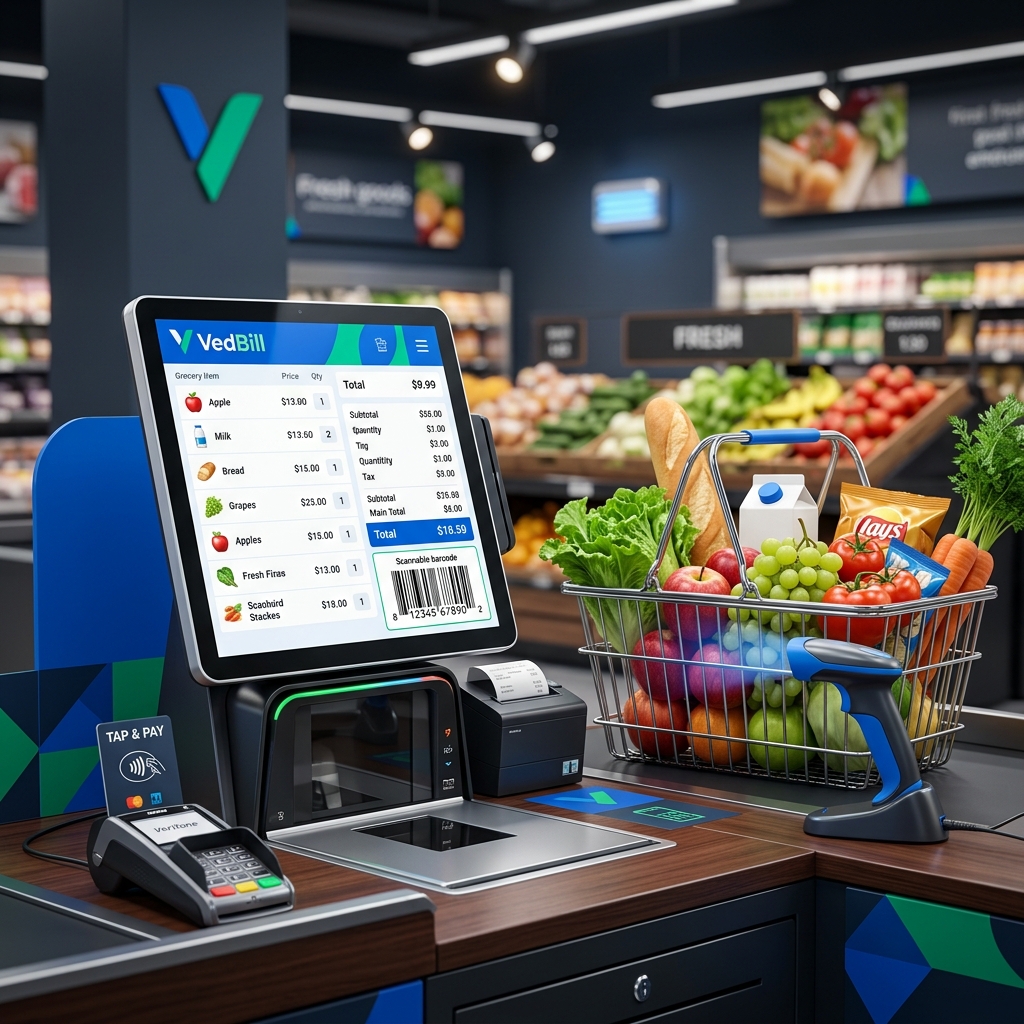
To establish an efficient, professional grocery billing terminal, assemble these standard components:
- Computer: Standard desktop PC or laptop running Windows 10 or 11.
- Barcode Scanner: High-speed 1D/2D area imager scanner for reading crumpled or glossy packaged food barcodes.
- Thermal Receipt Printer: 80mm (3-inch) high-speed auto-cutter thermal printer for rapid, inkless receipts.
- Electronic Weighing Scale: Platform digital scale connected via USB or serial port for loose commodity weighing.
- Software: VedBill Desktop Software (100% Free Lifetime Download).
Common Mistakes Grocery Store Owners Make
- Waiting to Enter Supplier Purchase Bills: Entering distributor deliveries days after items are on shelves causes stock discrepancies and inaccurate profit reporting. Always enter purchase invoices before stocking shelves.
- Ignoring Expiry Dates on Packaged Food: Failing to track manufacturing and expiry dates leads to unsellable expired goods and customer complaints.
- Failing to Reconcile Daily Cash: Cashiers must balance their physical cash drawer against the system's recorded cash collection at the end of each shift.
Comparison: Traditional Manual Grocery Counter vs VedBill POS
| Operational Metric | Manual / Paper System 📝 | VedBill Grocery POS 💻 | | :--- | :--- | :--- | | Transaction Time (10 Items)| 3 to 4 minutes | Under 30 seconds | | Weight Calculations | Manual calculator multiplication | Auto-calculated via scale sync | | Stock Shrinkage Tracking | Virtually impossible | Tracked on every purchase/sale | | Distributor Purchase Bills | Kept in physical folders | Digitally cataloged with cost trends | | Software Operating Costs | Paper slip expenses | 100% Free Lifetime Access |
The VedBill Solution: Why Grocery Retailers Choose VedBill
VedBill Grocery Billing Software delivers industrial-strength POS capabilities without enterprise complexity or cost:
- Zero Recurring Fees: Keep operational overhead minimal with full lifetime access and zero subscription fees. Explore our Pricing Plans.
- Offline-First Stability: Operates flawlessly during local internet interruptions, keeping checkout counters moving continuously.
- Comprehensive Inventory Controls: Automated stock deduction, dead stock identification, and bulk product import via Excel.
Download your free copy today from our Pricing Page.
Frequently Asked Questions (FAQs)
1. Can VedBill print custom barcode stickers for store-packed dry fruits and pulses?
Yes. VedBill includes barcode generation and printing features, enabling you to print custom barcode labels on standard barcode printers for unbranded items.
2. Can I import my entire existing grocery inventory from Excel?
Yes. VedBill features a bulk Excel import tool that uploads thousands of items with purchase rates, selling rates, barcodes, and HSN codes in seconds.
3. Does VedBill support multiple payment methods on a single bill?
Yes. If a customer wishes to pay part of their total in cash and the remainder via UPI, the system records split payments accurately.
Conclusion
Automating your grocery store with computerized barcode billing speeds up checkout lines, eliminates pricing errors, and protects your inventory from theft and shrinkage.
Upgrade your grocery store today. Download VedBill Free and experience fast, effortless retail billing.
Manage Your Store with VedBill Desktop Software
VedBill is 100% free desktop billing software built for retail shops, supermarkets, pharmacies, and small businesses in India. No recurring subscriptions or expensive cloud fees.
Retail Operations Advisory
Retail & Billing Specialist at VedBill