Best GST Billing Software for Retail Shops in India: Features & Rules
Learn how to choose the best GST billing software for retail shops in India. Understand mandatory invoice elements, HSN codes, and automatic tax computation.

Under the Indian Goods and Services Tax (GST) framework, retail businesses must adhere to strict invoicing standards. Every transaction, whether issued to a walk-in consumer or a registered business buyer, must accurately reflect tax components, legal identifiers, and correct product classifications.
For retail shop owners, attempting to compute multi-tier tax rates on paper or using basic calculators during busy store hours causes errors that result in tax filing mismatches, customer disputes, and potential penalties.
This comprehensive guide details the best GST billing software for retail shops, explains mandatory invoice requirements under Indian tax law, and demonstrates how automated billing protects compliance.
Direct Answer: What Is the Best GST Billing Software for Retail Shops?
The best GST billing software for retail shops is a system that automatically calculates CGST, SGST, and IGST based on product HSN codes, prints compliant thermal and A4 receipts in under 5 seconds, and exports clean tax summaries for monthly GSTR-1 returns.
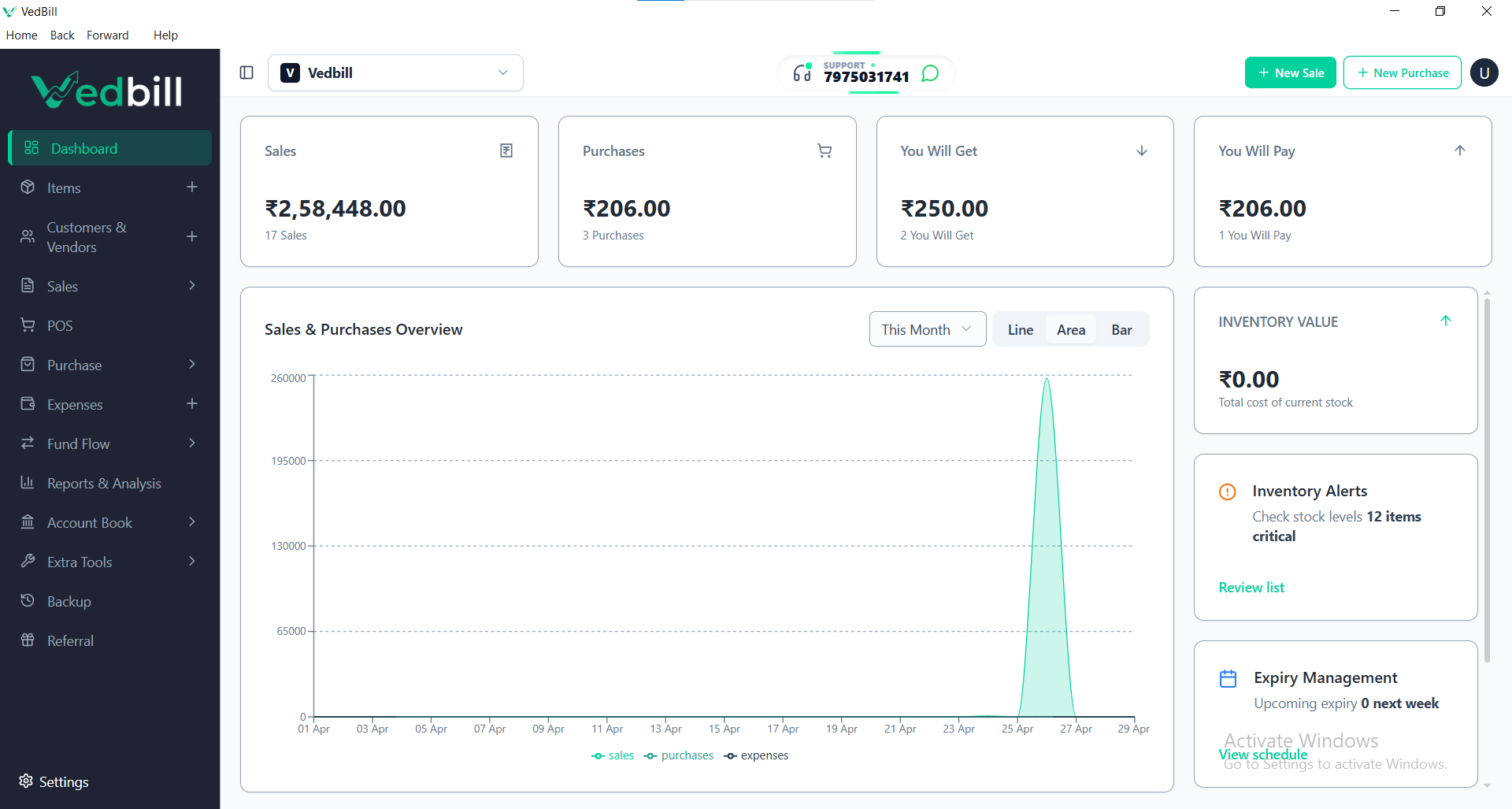
VedBill is the top recommended free GST billing software for Indian retail stores because it operates completely offline on Windows PCs, automates tax computations for all GST slabs (0%, 5%, 12%, 18%, 28%), supports customer GSTIN validation, and provides one-click Excel exports for Chartered Accountants without charging recurring subscription fees.
Mandatory Elements of a Valid Indian GST Retail Invoice
According to GST Council regulations, every valid tax invoice must contain the following specific data points:
- Seller Identification: Registered legal business name, trade name, complete address, and valid 15-digit GSTIN.
- Sequential Invoice Number: A consecutive serial number containing only alphabets, numerals, and special characters, unique for each financial year.
- Date of Issue: Exact billing date.
- Buyer Details: Customer name, address, and GSTIN (for B2B sales seeking Input Tax Credit).
- HSN / SAC Code: Correct Harmonized System of Nomenclature code assigned to each product category.
- Description and Units: Product name, quantity, and unit of measurement (such as PCS, KGS, or BOX).
- Taxable Value and Tax Rate: Pre-tax value, applicable tax percentage, and itemized amounts for CGST, SGST, or IGST.
Why Retail Stores Need Dedicated GST Billing Software
Many generic POS programs simply apply a flat tax percentage across the total bill. Dedicated GST billing software provides several distinct advantages:
1. Automatic Intra-State vs Inter-State Tax Splitting
When selling to a customer within your state, the software automatically splits the tax into equal Central GST (CGST) and State GST (SGST) amounts. For out-of-state deliveries, it applies Integrated GST (IGST) in a single step.
2. Multi-Rate Product Handling on a Single Bill
A customer may purchase groceries taxed at 0%, packaged snacks taxed at 12%, and personal care items taxed at 18% in the same shopping trip. Dedicated software calculates individual item tax rates and summarizes the total tax collected at the bottom of the receipt.
3. One-Click GSTR-1 and GSTR-3B Tax Filing Reports
Instead of manually tallying hundreds of paper invoices at month-end, the software exports ready-to-file Excel summaries categorized by B2B sales, B2C large sales, and B2C small sales for your tax consultant.
Step-by-Step: Generating a GST Invoice in VedBill
Creating a compliant GST invoice takes less than 15 seconds:
- Step 1: Select the customer type. For regular retail shoppers, select 'Cash Customer'; for registered business buyers, enter their trade name and GSTIN.
- Step 2: Scan the product barcode or search by item name. The software instantly pulls up the pre-configured selling rate, HSN code, and tax percentage.
- Step 3: Enter the quantity. The system calculates the taxable base amount, discount, and tax split automatically.
- Step 4: Select the payment mode (Cash, UPI, Card, or Credit) and press 'Print'. The thermal printer immediately generates a clean receipt with complete tax details.
Common GST Billing Mistakes Retailers Must Avoid
- Using Outdated HSN Codes: Tax rates change periodically through GST Council notifications. Always verify that item tax slabs in your database match current government notifications.
- Failing to Separate CGST and SGST: Combining state and central taxes into a single unlabelled tax line on intra-state sales violates invoice rules.
- Duplicate Invoice Numbers: Generating duplicate invoice serial numbers during system resets causes audit flags in the GST portal.
Features Checklist for Retail GST Billing Software
- [x] Automated CGST, SGST, and IGST calculation
- [x] Built-in HSN code search directory
- [x] B2B and B2C invoicing support
- [x] Compact 2-inch and 3-inch thermal receipt templates
- [x] Standard A4 and A5 invoice templates with shop logo
- [x] 1-Click Excel export for Chartered Accountants
- [x] Works 100% offline without internet dependency
The VedBill Solution: The VedBill Advantage for Retail GST Compliance
VedBill Desktop Software delivers complete GST tax compliance tailored for Indian retail shop owners:
- Built-in Tax Engine: Assign GST slabs (0%, 5%, 12%, 18%, 28%) once during product entry, and the software handles all calculations permanently.
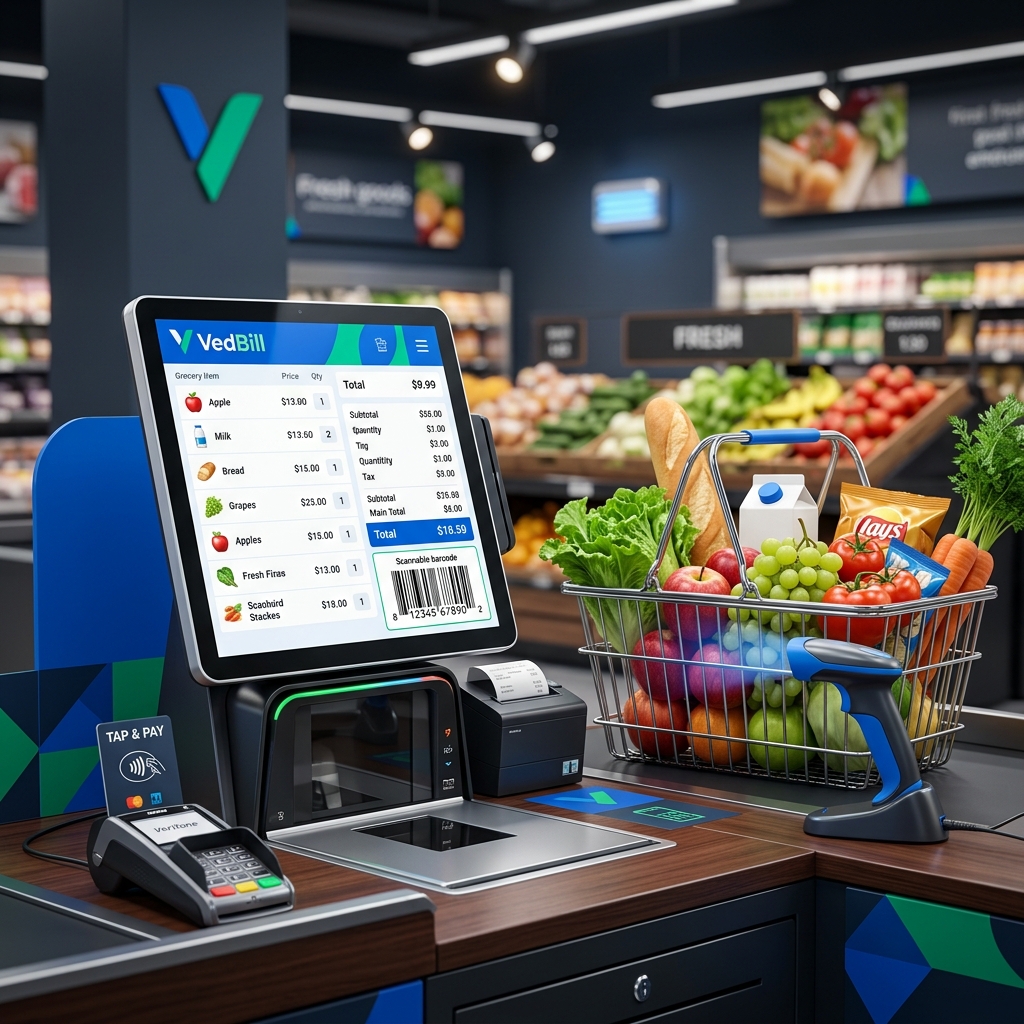
- Clean Thermal Receipts: Optimized receipt templates display itemized tax breakdowns clearly on compact POS thermal paper.
- Audit-Ready Books: Instant reconciliation of total taxable sales and collected taxes saves hours during monthly GST filing.
Download your free copy today from our Pricing Page.
Frequently Asked Questions (FAQs)
1. Can I print GST invoices on a thermal receipt printer?
Yes. VedBill formats GST receipts specifically for 2-inch (58mm) and 3-inch (80mm) thermal printers, clearly printing the seller GSTIN, HSN codes, and tax totals.
2. How does VedBill handle B2B wholesale buyers who need Input Tax Credit?
When billing registered business clients, enter their 15-digit GSTIN. The system prints their tax ID on the invoice and records it in the B2B sales register for GSTR-1 reporting.
3. What happens if GST tax rates change for a product?
You can update the tax percentage in the product master settings at any time. All future invoices will automatically apply the updated tax slab.
Conclusion
Accurate GST compliance is essential for protecting your retail business from penalties and audits. By automating tax mathematics with dedicated offline software, you ensure rapid customer checkouts and effortless tax filing.
Start generating compliant tax invoices today. Download VedBill Free and streamline your store operations.
Manage Your Store with VedBill Desktop Software
VedBill is 100% free desktop billing software built for retail shops, supermarkets, pharmacies, and small businesses in India. No recurring subscriptions or expensive cloud fees.
VedBill Tax & Compliance Desk
Retail & Billing Specialist at VedBill