Best Billing Software for Kirana Stores in India (Smart Grocery POS)
Upgrade your Indian Kirana store with smart billing software. Manage loose items, barcodes, customer credit (Credit Ledger), and quick checkout in seconds.
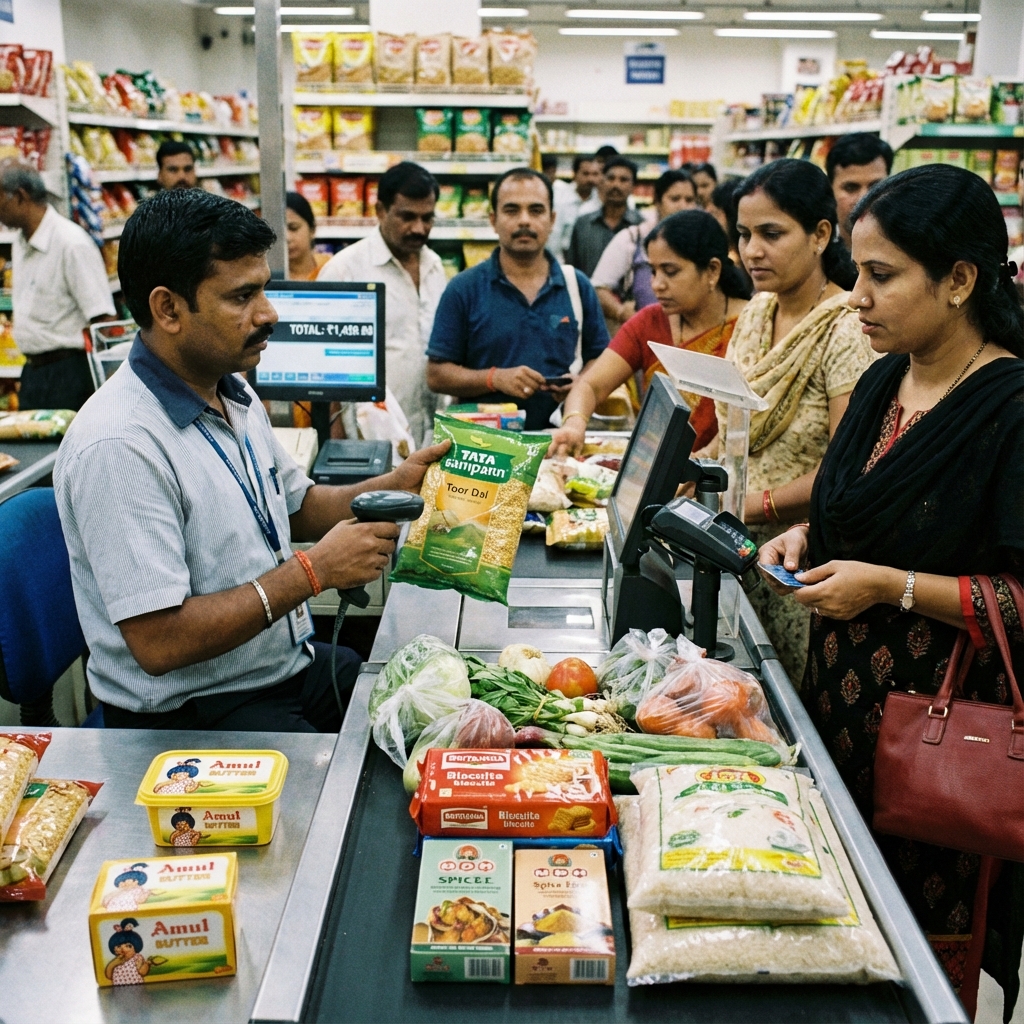
Kirana stores form the economic backbone of retail trade across India. From neighborhood residential lanes to bustling bazaar intersections, millions of families rely on their local Kirana store for daily groceries, spices, dairy, and household essentials.
However, modern Kirana stores face growing competition from venture-funded quick-commerce delivery services and large supermarket chains. To protect customer loyalty and grow store profitability, neighborhood Kirana merchants are adopting computerized billing to speed up checkouts, track inventory, and modernize customer service.
This comprehensive guide details the best billing software for Kirana stores in India, explains how to handle loose vs. packaged goods, and provides practical advice on automating counter operations.
Direct Answer: What Is the Best Billing Software for Kirana Stores?
The best billing software for Kirana stores is a fast, easy-to-use desktop system that handles both loose items sold by weight (such as sugar, rice, and pulses) and packaged goods scanned by barcode, while managing customer credit (Credit Ledger) and operating 100% offline.
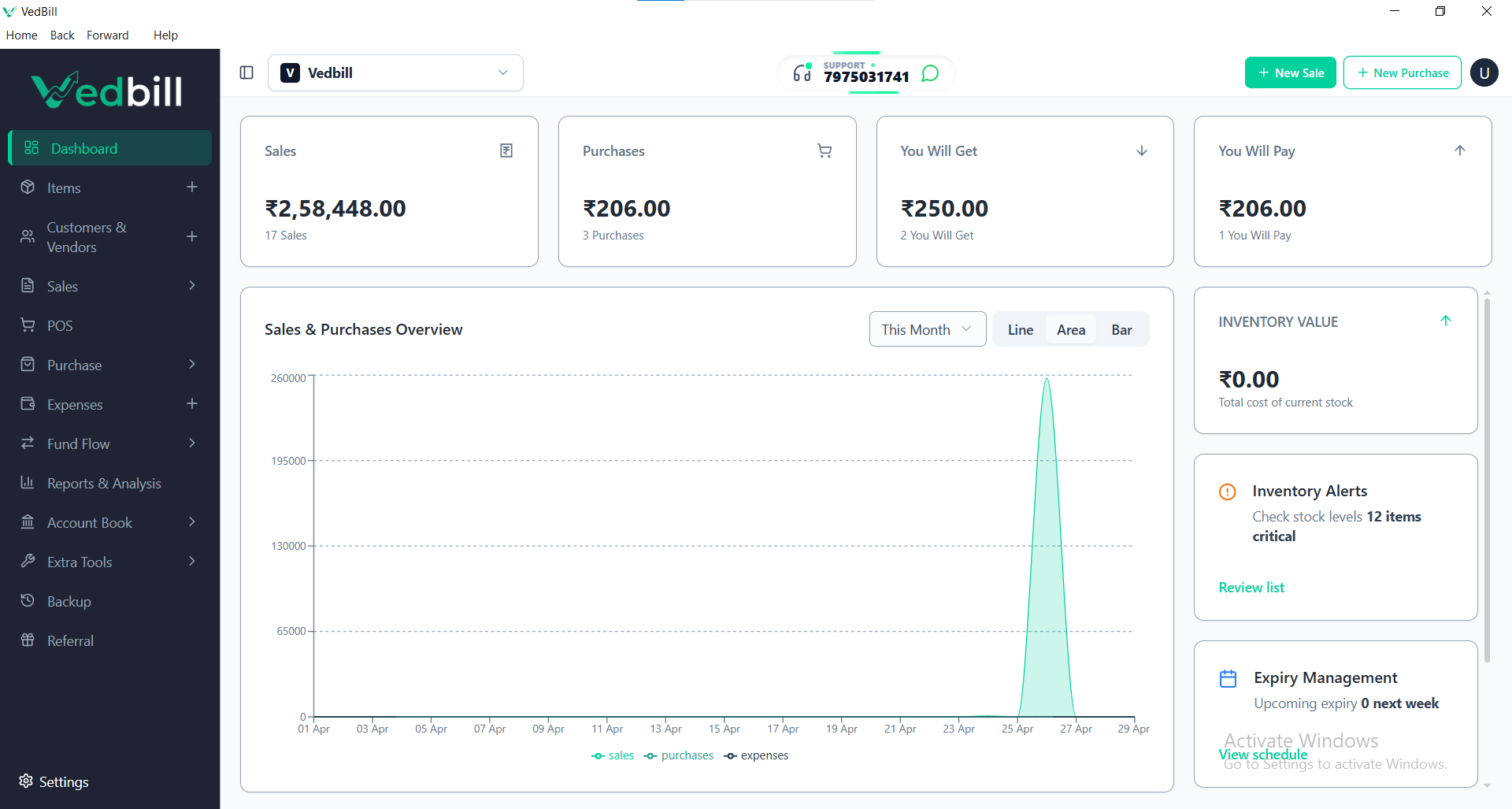
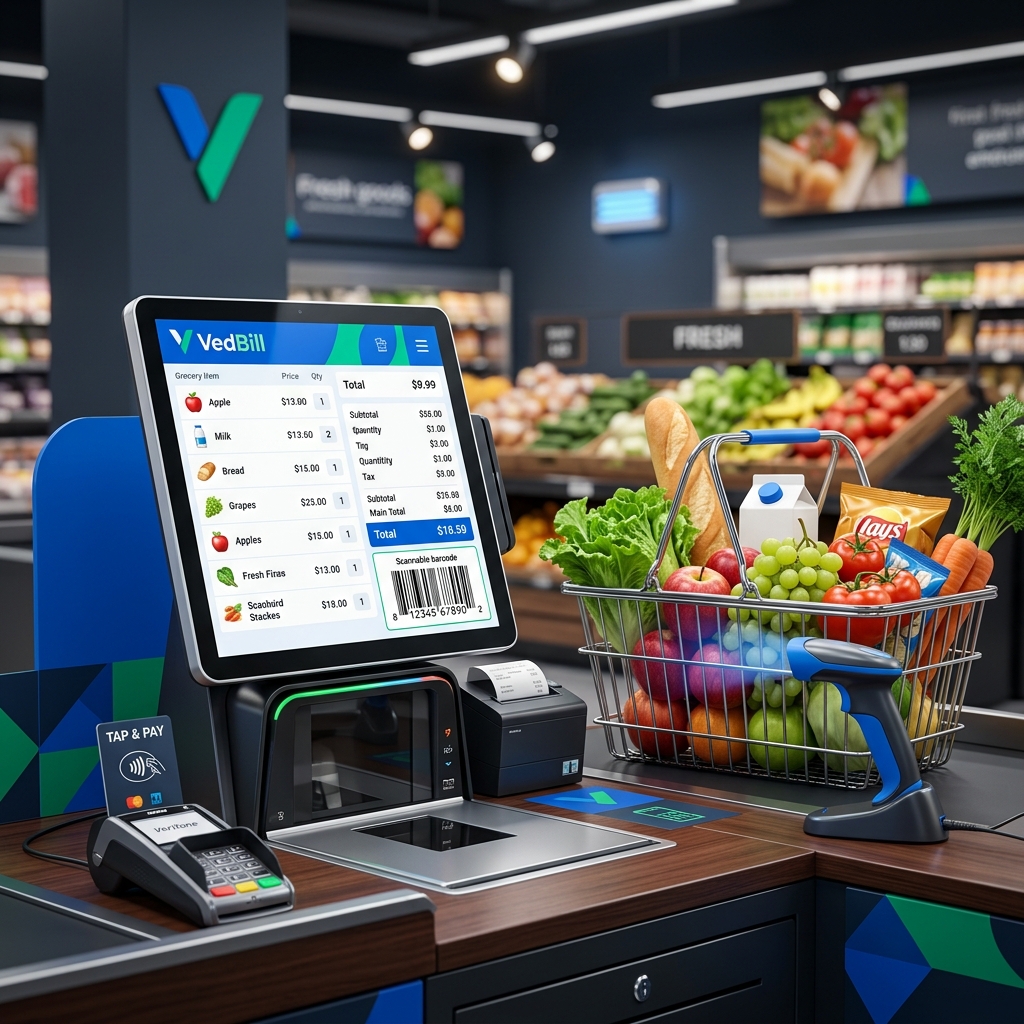
VedBill is widely recognized as the premier free billing software for Indian Kirana stores. It runs on any basic Windows computer, supports electronic weighing scales and barcode scanners, manages customer credit ledgers with clear balance tracking, and prints neat thermal receipts in seconds without charging recurring subscription fees.
Unique Operational Realities of Indian Kirana Stores
Kirana store billing differs substantially from clothing boutiques or electronics showrooms:
1. Loose vs Packaged Product Mix
Kirana stores sell packaged FMCG goods with standard manufacturer barcodes (such as biscuits, soaps, and noodles) alongside unbranded loose commodities sold by weight (such as loose wheat flour, lentils, spices, and cooking oil). Software must handle both item types effortlessly.
2. High Customer Velocity During Peak Hours
Morning and evening shopping windows bring continuous foot traffic. A shopkeeper cannot spend two minutes searching complex menus while five customers wait at the counter.
3. Customer Credit (Udhar / Credit Ledger Book)
Neighborhood relationships often involve monthly credit accounts. Maintaining paper diaries leads to forgotten entries, calculation disputes, and delayed collections.
4. Multilingual Needs
Counter staff and owners often prefer product names in Hindi or regional languages alongside English.
Must-Have Features in Kirana Billing Software
When evaluating billing tools for your grocery counter, prioritize these essential features:
- Quick Number-Pad Shortcuts for Loose Goods: Ability to press a single hotkey (e.g., '1' for Sugar, '2' for Toor Dal) and calculate the price automatically based on entered grams or kilograms.
- Sub-Second Barcode Scanning: Instant recognition of packaged FMCG barcodes without manual typing.
- Integrated Customer Credit (Credit Ledger): Record credit sales against individual customer names with one click. Print the customer's total outstanding balance directly at the bottom of their receipt.
- Thermal Receipt Customization: Print 2-inch or 3-inch thermal slips with your Kirana store name, phone number, address, and UPI payment QR code.
- 100% Offline Reliability: Never stop billing during broadband disconnects or power fluctuations.
Step-by-Step: Setting Up Kirana Counter Automation
Transforming your Kirana counter into an automated POS station is straightforward:
- Set Up a Basic Computer: Use any existing desktop PC or laptop running Windows.
- Add an Affordable Thermal Printer: Connect a standard 58mm or 80mm USB thermal printer (costs approximately ₹2,000–₹3,500).
- Plug in a USB Barcode Gun: Connect an inexpensive handheld laser or 2D barcode scanner (costs approximately ₹1,200–₹1,800).
- Install VedBill Software: Download and install VedBill Free in under two minutes.
- Add Fast-Moving Items: Add loose commodities with simple numeric hotkeys and upload packaged FMCG items using pre-built product lists.
- Start Ringing Up Customers: Experience 5-second checkouts that impress customers and keep lines moving.
Common Mistakes Kirana Owners Make
- Attempting to Track Every Minor Spice on Day One: Begin by computerizing packaged FMCG goods and top 20 loose commodities first. Once your staff is comfortable, gradually expand tracking to minor spices and dry fruits.
- Ignoring Daily Cash Reconciliation: Always match physical drawer cash against the software's end-of-day sales summary every evening before closing.
- Neglecting Digital Backups: Back up your software database to a USB thumb drive weekly to safeguard against hardware failure.
Comparison: Traditional Credit Ledger Diary vs VedBill Kirana POS
| Counter Activity | Traditional Paper Diary 📖 | VedBill Kirana POS 💻 | | :--- | :--- | :--- | | Item Pricing | Mental math / handwritten notes | Automated price lookup | | Checkout Speed | 2 to 3 minutes per bill | 5 to 10 seconds per bill | | Credit (Udhar) Tracking | Manually scribbled in diary | Automated ledger with receipt balance | | Stock Visibility | Guesswork by looking at shelves | Real-time stock counts and low alerts | | Receipt Appearance | Handwritten rough paper | Professional branded thermal slip |
The VedBill Solution: Why VedBill is the Ideal Choice for Kirana Stores
VedBill Retail POS Software was designed specifically with Indian Kirana and grocery merchants in mind:
- Completely Free Lifetime Use: No monthly software rental fees or annual maintenance contracts eating into retail margins. See our Pricing Details.
- Dual GST and Non-GST Modes: Generate formal GST invoices for wholesale buyers or simple retail receipts for daily walk-in shoppers.
- Fast Keyboard-Driven Billing: Keep counter operations moving rapidly using number-pad shortcuts.
Download your free copy today from our Pricing Page.
Frequently Asked Questions (FAQs)
1. Can VedBill calculate prices for loose items like 250 grams of sugar?
Yes. You can enter loose item rates per kilogram, and the software calculates the exact price automatically when you type 250 grams.
2. Can I connect an electronic weighing scale to the billing computer?
Yes. VedBill supports standard electronic digital weighing scales via USB or serial cable to transfer weight readings directly into the bill.
3. How does customer credit (Credit Ledger) work in VedBill?
When finalizing a bill, select 'Credit / Udhar' and choose the customer. The amount adds to their ledger balance, and their updated total pending amount prints at the bottom of the receipt.
Conclusion
Modernizing your Kirana store with computerized billing builds customer trust, speeds up service during peak rush hours, and ensures complete control over your stock and credit accounts.
Equip your Kirana store with smart billing today. Download VedBill Free and elevate your retail counter.
Manage Your Store with VedBill Desktop Software
VedBill is 100% free desktop billing software built for retail shops, supermarkets, pharmacies, and small businesses in India. No recurring subscriptions or expensive cloud fees.
VedBill Retail Advisory
Retail & Billing Specialist at VedBill