Manual Billing vs Computerized Billing: The Complete Transition Guide for Indian Shop Owners
Compare manual paper billing versus computerized billing for Indian retail shops. Learn how digital POS speeds checkout, eliminates math errors, and builds customer trust.

For generations, Indian retail commerce operated on simple tools: a paper bill book, a carbon sheet, a ballpoint pen, and a handheld desktop calculator. From small town Kirana shops to bustling wholesale bazaars, handwritten cash memos were the universal standard.
However, the retail environment in India has changed drastically. Customers now expect itemized printed receipts, instant UPI payments, and fast checkout lines. Tax authorities mandate precise GST calculations with HSN codes, and razor-thin profit margins leave no room for unrecorded inventory leakage.
Continuing to rely on manual paper billing creates severe operational bottlenecks that hold your business back. This transition guide compares manual billing against modern computerized billing, dispels common technology fears, and outlines a practical roadmap for modernizing your shop counter.
Direct Answer: Manual Billing vs Computerized Billing—Which Is Better?
Computerized billing is substantially superior to manual paper billing across every operational and financial dimension.
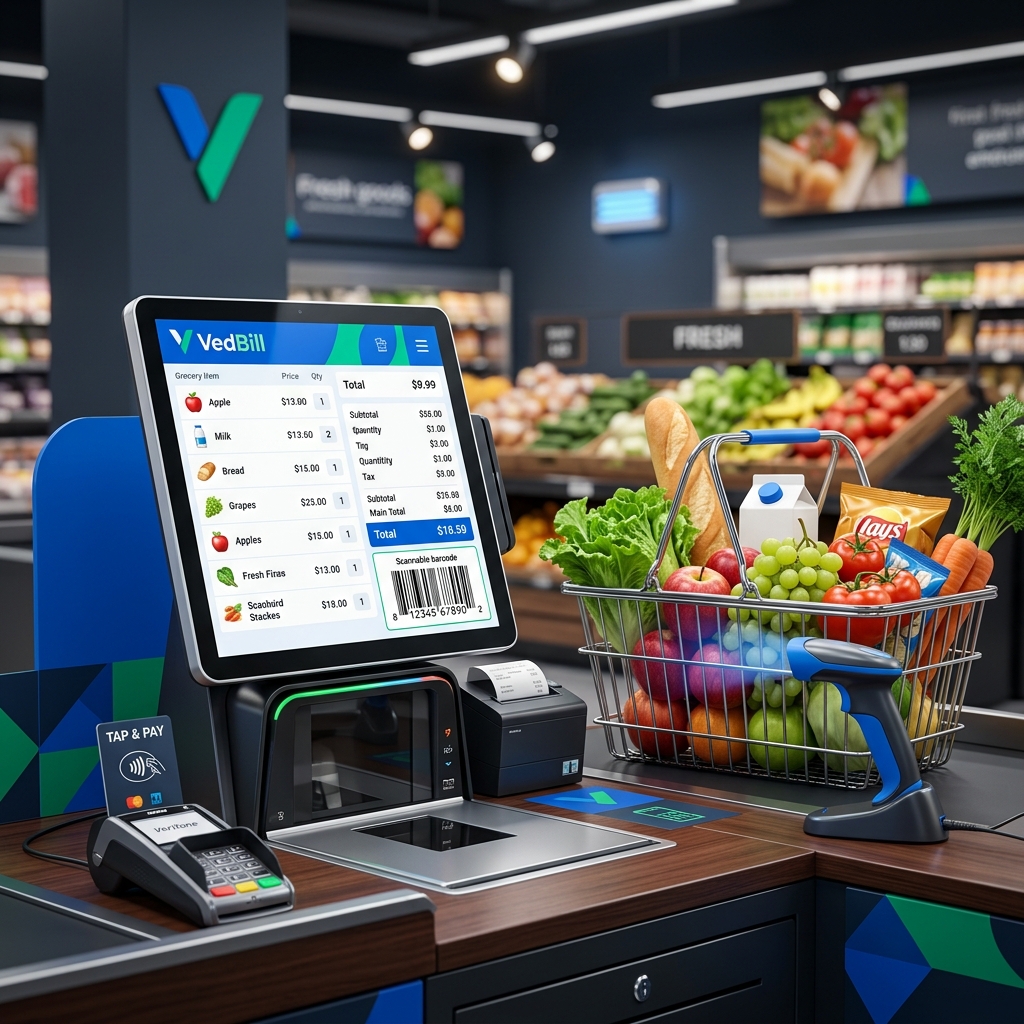
Computerized billing speeds up customer checkout by 80%, eliminates mathematical calculation mistakes and tax errors, automatically tracks inventory in real time, and prints professional receipts with UPI payment QR codes.
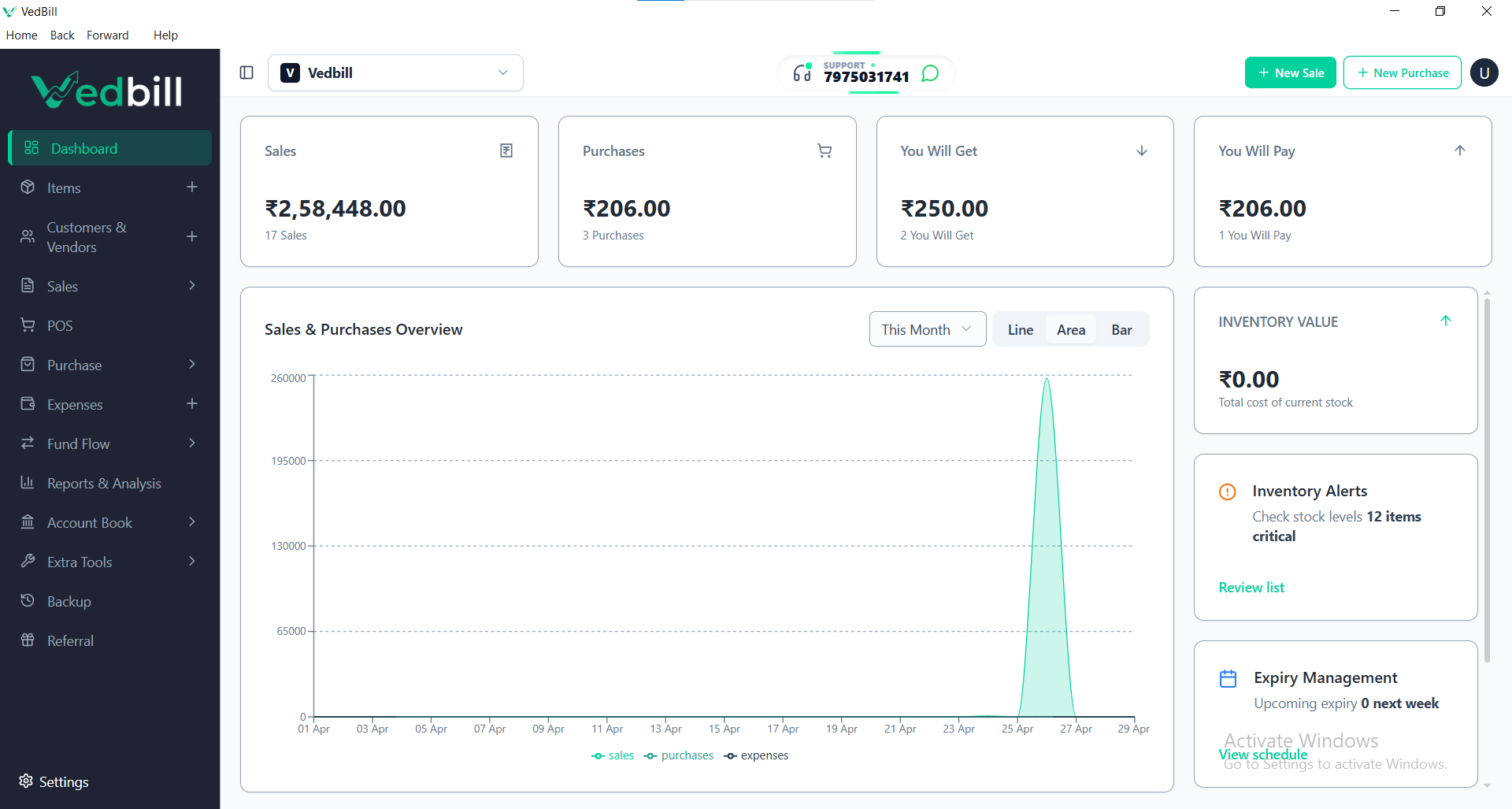
While manual billing appears "cheap" initially, it wastes hundreds of staff hours, conceals stock theft, and creates severe tax audit risks. Modern free desktop software like VedBill allows any Indian shop owner to switch to computerized billing with zero software expense.
The Hidden Financial Drains of Manual Paper Billing
Shopkeepers often believe paper bill books save money because they avoid computer purchases. In reality, manual billing bleeds money quietly in multiple ways:
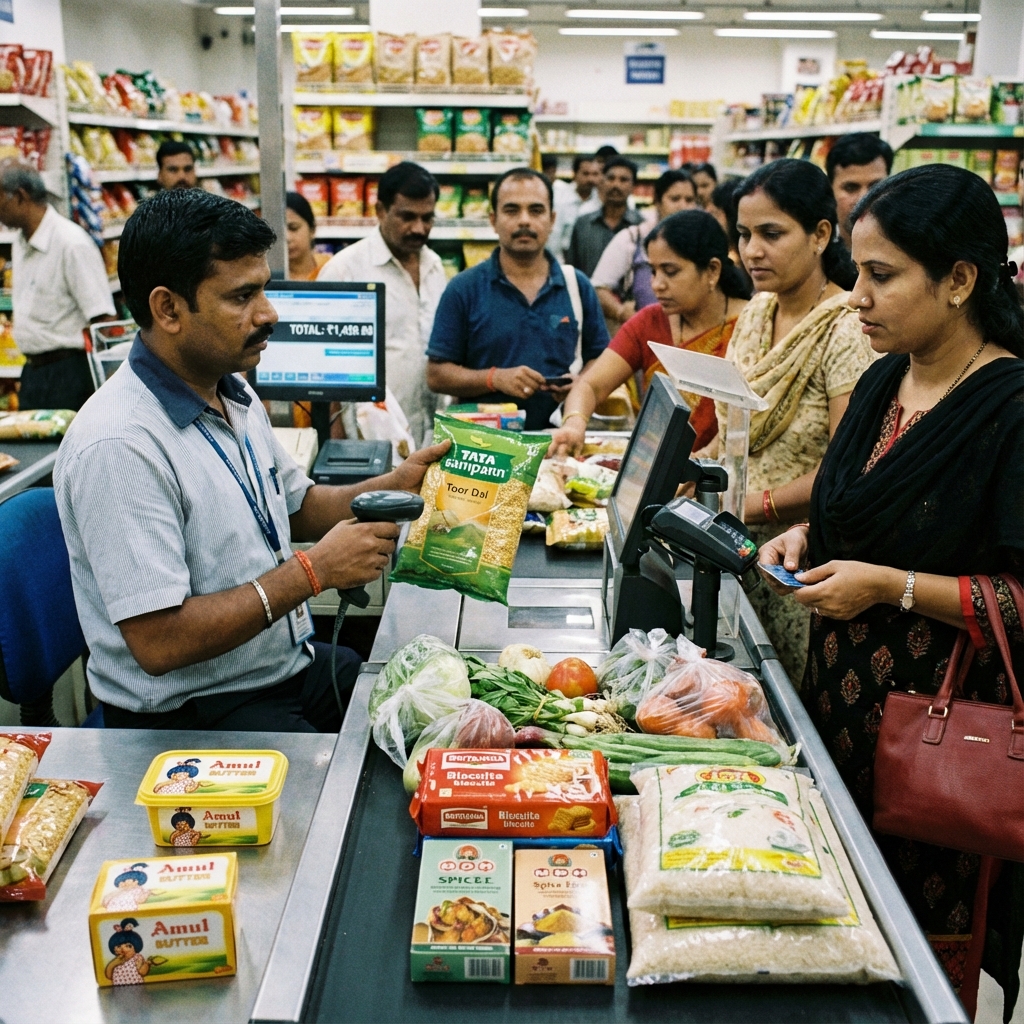
- Slow Counter Queues and Abandoned Sales: Writing a 6-item receipt by hand, looking up prices, and adding totals takes 2 to 4 minutes per customer. During busy evening hours, impatient shoppers walk away rather than wait in slow lines.
- Costly Calculation Mistakes: In the rush of peak hours, manual calculation mistakes (adding figures incorrectly, misplacing decimals, or miscalculating 5% or 18% GST) cost retailers 1% to 3% of daily revenue.
- Inventory Blind Spots and Shrinkage: When sales are written on paper, inventory counts are never updated in real time. Items disappear from shelves through theft, damage, or supplier short-deliveries without the owner ever noticing.
- Uncollected Customer Credit Ledger Credit: Recording credit sales on loose scraps of paper or dog-eared notebooks leads to disputed customer balances, forgotten debts, and significant uncollected revenue.
- Recurring Paper Costs: Purchasing printed carbon-copy invoice books continuously costs ₹3,000 to ₹8,000 every year—money that could easily fund a permanent digital setup.
Head-to-Head Comparison: Manual vs Computerized Billing
| Evaluation Factor | Traditional Manual Billing (Paper) | Modern Computerized Billing (VedBill) | | :--- | :--- | :--- | | Transaction Duration | 2 to 4 minutes per customer | Under 20 seconds with barcode scan | | Mathematical Accuracy | Subject to human error and fatigue | 100% mathematically exact | | GST Tax Compliance | Complex manual tax rate splitting | Automated CGST/SGST/IGST calculation | | Stock Tracking | Zero real-time inventory visibility | Instant automatic stock deduction | | Customer Experience | Slow; messy handwritten paper slips | Crisp printed receipt with UPI QR code | | Customer Credit (Credit Ledger)| Scattered across paper notebooks | Centralized ledger with one-click balance | | End-of-Month Tax Filing | Days of manual receipt tallying | One-click Excel export for your auditor | | Software Cost | Recurring paper book purchases | ₹0 (Completely Free with VedBill) |
Overcoming Common Fears: Why Switching Is Easier Than You Think
Many shop owners hesitate to adopt computerized billing because of common misconceptions:
- "I am not good with computers; it will be too complicated."
Modern billing software is not complicated accounting software. VedBill is designed specifically for everyday retail counters, using simple keyboard navigation (press F1 for new bill, scan item, press Enter to print) that anyone can master in 15 minutes. - "What if the internet stops working in my area?"
You do not need internet to bill customers. VedBill runs 100% offline on your Windows desktop. All product data and bills are saved locally on your computer hard drive. - "Computers and software are too expensive for my small store."
You do not need expensive corporate equipment. Any basic desktop computer or refurbished laptop running Windows 10, paired with an affordable USB barcode scanner (₹900) and a 2-inch thermal printer (₹1,500), creates a complete, professional POS counter. The software itself is 100% free forever.
A Simple 4-Step Roadmap to Modernize Your Shop Over a Single Weekend
Transitioning your store from paper to digital billing is quick and straightforward:
Step 1: Procure Basic Hardware
- A desktop PC or laptop running Windows 10 or 11.
- A standard USB handheld barcode scanner.
- A 58mm (2-inch) or 80mm (3-inch) USB thermal receipt printer.
- A basic UPS battery backup to safeguard against power fluctuations.
Step 2: Install VedBill & Enter Store Information
Download and install VedBill. Input your store name, address, contact phone number, and GSTIN (or select non-GST mode if unregistered).
Step 3: Load Your Product Inventory
Upload your products, selling prices, and opening stock using VedBill's simple bulk Excel import template, or add fast-moving items directly by scanning their barcodes.
Step 4: Run a Dual-Day Practice Run
For the first day or two, keep your paper bill book nearby for backup while processing walk-in customers through the computer. Once your counter staff experiences how fast barcode scanning and thermal printing are, you will never want to touch a paper bill book again.
Modernization Readiness Checklist for Retailers
Use this checklist to prepare your store for the digital transition:
- [ ] Do you have a functioning Windows 10 or 11 computer at your counter?
- [ ] Is your counter equipped with a reliable UPS or inverter connection?
- [ ] Have you acquired a standard USB barcode reader and thermal receipt printer?
- [ ] Have you compiled a list of your products, prices, and tax rates?
- [ ] Have you downloaded and installed VedBill on your desktop?
- [ ] Have you tested printing a sample receipt with your store details and UPI QR code?
The VedBill Solution: Zero-Cost Digital Modernization
VedBill was created to eliminate financial and technical hurdles, allowing every Indian merchant to enjoy the benefits of computerized billing:
- 100% Free Forever: No setup charges, no annual renewal fees, and no feature restrictions.
- True Offline Independence: Keep billing at lightning speed regardless of broadband disconnects or bad weather.
- Simple Keyboard Navigation: Designed for counter speed; non-technical staff become proficient in minutes.
- Automatic GST Compliance: Pre-configured tax calculations, HSN code formatting, and one-click GSTR Excel exports.
- Complete Business Management: Real-time inventory tracking, low-stock alerts, customer credit ledgers, and thermal printing.
Frequently Asked Questions (FAQs)
1. Can I use computerized billing if my shop is not registered for GST?
Yes. VedBill features a dedicated non-GST mode that generates clean retail cash memos and bills of supply without showing tax percentages or GST lines.
2. Can I use an old laptop or desktop computer for computerized billing?
Yes. VedBill is lightweight and runs smoothly on older desktop PCs or budget laptops with at least 4GB of RAM and Windows 10 or 11.
3. What happens if the computer crashes or gets damaged?
VedBill features an automated one-click backup utility. You can back up your complete database onto a USB flash drive in two seconds. If your computer ever needs replacement, you can restore your entire business record on a new machine in minutes.
4. How much total money does it cost to set up computerized billing?
If you already own a Windows laptop or PC, the total hardware cost is under ₹2,500 to ₹3,500 for a USB barcode scanner and a 2-inch thermal printer. The VedBill software is 100% free forever, making the transition remarkably affordable.
Conclusion & Next Steps
Continuing to use manual paper bill books in modern retail slows down your counter, conceals inventory losses, and frustrates customers who expect quick, professional service. Moving to computerized billing is the single most impactful upgrade you can make to modernize your business operations and accelerate growth.
Modernize your shop counter today.
Download VedBill Free for Windows Desktop and experience fast, professional, and zero-cost computerized billing.
Manage Your Store with VedBill Desktop Software
VedBill is 100% free desktop billing software built for retail shops, supermarkets, pharmacies, and small businesses in India. No recurring subscriptions or expensive cloud fees.
VedBill Editorial Team
Retail & Billing Specialist at VedBill