How to Manage Multiple Units of Measurement and Wholesale Pricing in Billing Software
Learn how to manage multiple units of measurement (UOM) and wholesale pricing tiers in billing software. Master piece-to-carton conversions and B2B pricing rules.
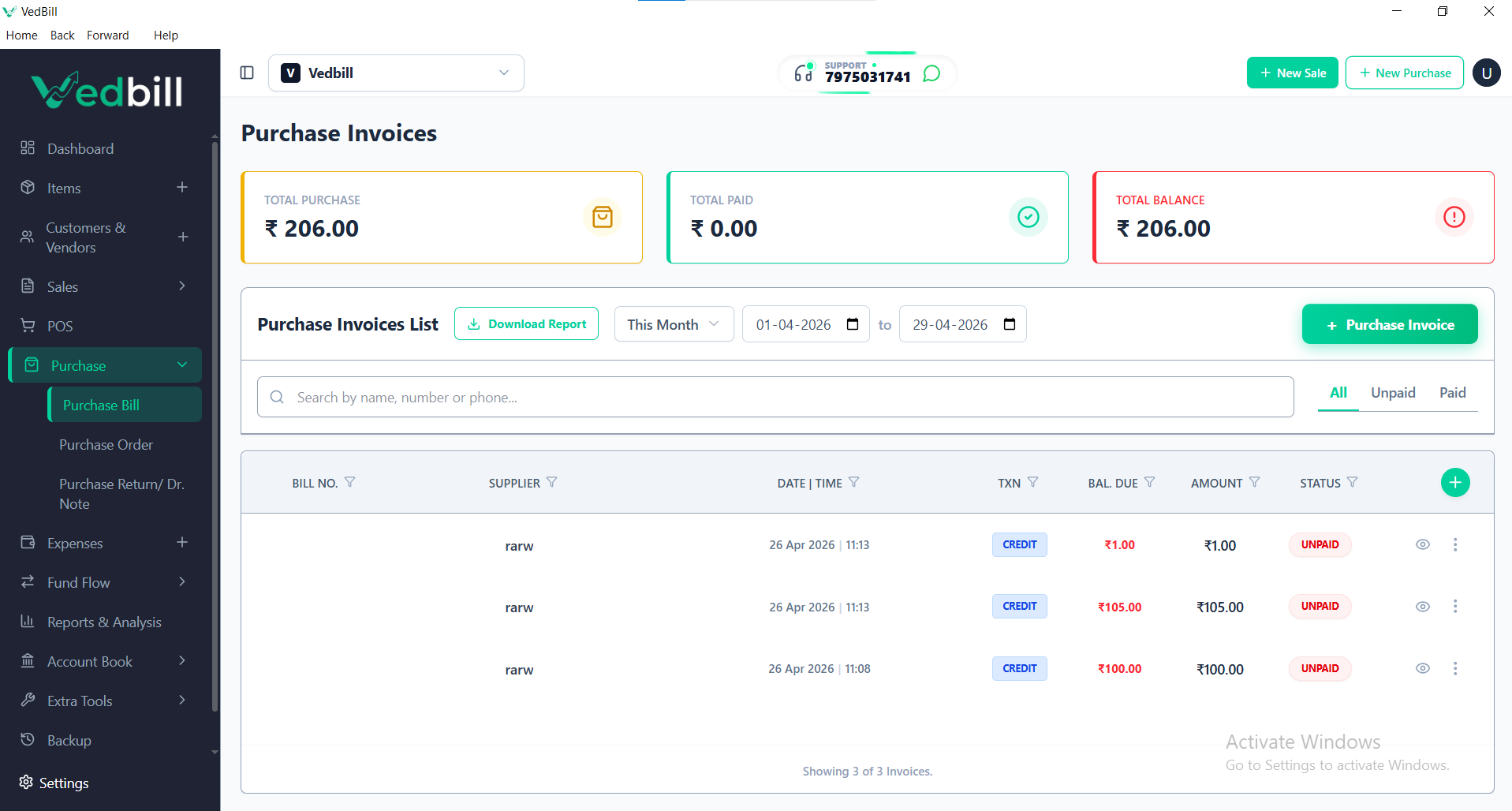
Many retail and commercial businesses in India operate dual business models. A merchant in a commercial market might sell single items (pieces, bottles, packets) to walk-in retail consumers, while simultaneously supplying bulk quantities (boxes, dozens, cartons, bags) to smaller neighborhood shops and institutional buyers.
Similarly, hardware merchants, electrical distributors, textile traders, and grain wholesalers deal in goods measured across diverse units: meters, kilograms, tons, rolls, and bundles.
Attempting to manage multiple packaging units and tiered wholesale pricing with basic single-unit billing tools leads to constant mathematical confusion, incorrect stock deductions, and miscalculated profit margins.
Implementing multi-unit management and tiered wholesale pricing within your billing software creates complete operational clarity, allowing seamless sales across any packaging dimension.
Direct Answer: How to Manage Multiple Units and Wholesale Pricing
To manage multiple units of measurement and wholesale pricing in billing software, follow these essential principles:
- Define the Base Unit: Establish the smallest indivisible unit of sale (e.g.,
Piece,Kilogram, orMeter) as the fundamental inventory unit. - Configure Secondary Packing Units with Conversion Ratios: Link larger packaging units to the base unit using precise multipliers (e.g.,
1 Box = 24 Pieces,1 Carton = 12 Boxes, or1 Bag = 50 Kg). - Set Dual Price Tiers (Retail MRP vs Wholesale Rate): Assign standard retail selling prices alongside discounted wholesale rates that activate automatically based on customer type or minimum order quantity.
- Automated Stock Deduction: When a wholesale buyer purchases 3 Boxes, the software automatically deducts 72 base units from inventory records while printing the transaction in boxes on the invoice.
With VedBill, setting up multiple units and switching between retail and wholesale rates takes just seconds on any standard Windows PC.
Why Single-Unit Software Fails Dual Retail-Wholesale Traders
When billing software supports only a single unit per product, merchants face severe operational bottlenecks:
- Creating Duplicate Product Entries: Shopkeepers are forced to create separate product listings (e.g., "Soap Single" and "Soap Box"). This splinters inventory tracking, making it impossible to know actual aggregate stock.
- Manual Calculation Mistakes at the Counter: Cashiers must mentally calculate unit prices (e.g., dividing ₹1,440 by 12 pieces or multiplying bulk rates by decimal weights). During busy hours, calculation mistakes directly destroy profit margins.
- Stock Discrepancies During Unboxing: When a store breaks open a 50-piece carton to sell loose individual items, single-unit software cannot adjust stock automatically, resulting in chronic inventory inaccuracies.
- Unprofessional Invoices for Wholesale Clients: Wholesale buyers expect B2B invoices displaying clear bulk units (e.g., "5 Cartons @ ₹2,200/Carton"). Printing bills listing "60 Pieces @ ₹183.33" confuses clients and delays invoice settlement.
The Structural Hierarchy of Multi-Unit Inventory
Effective inventory management organizes products through a logical two-tier unit relationship:
[Primary Base Unit: 1 Piece]
         ▲
         │ (Multiplier: x 24)
[Secondary Unit: 1 Box = 24 Pieces]
         ▲
         │ (Multiplier: x 10)
[Tertiary Master Unit: 1 Carton = 240 Pieces]
Whenever a transaction occurs in any packaging tier, the billing software recalculates the impact on the base unit behind the scenes. Whether you sell 2 Cartons, 3 Boxes, or 5 loose Pieces, the system maintains a single unified stock balance.
Configuring Tiered Wholesale Pricing Structures
A successful wholesale operation relies on transparent pricing structures tailored to buyer volume:
1. Customer-Category Pricing (Retail vs Wholesale / Trader)
Tag customer profiles as either "Retail Consumer" or "Wholesale Dealer". When a wholesale dealer's account is selected on the billing screen, the software automatically replaces the standard retail MRP with their contracted trade price.
2. Volume-Based Automatic Price Breaks
Configure automated quantity rules. For example:
- Buying 1 to 5 units: Standard Retail Price (₹120 / unit)
- Buying 6 to 23 units: Small Wholesale Rate (₹105 / unit)
- Buying 24+ units (1 Full Box): Master Bulk Rate (₹92 / unit)
The software applies the correct price tier automatically as the cashier increases the quantity, preventing cashier oversights or unauthorized excessive discounting.
Step-by-Step Setup: Multi-Unit and Wholesale Configuration in VedBill
Here is the simple workflow for setting up multi-unit products in VedBill:
- Step 1: Open Item Master: Navigate to Products and click "Add New Item".
- Step 2: Define Base Unit & Pricing: Enter the item name, assign the base unit as
PCS, and enter the base cost price and retail selling price (MRP). - Step 3: Enable Secondary Unit: Check the "Multiple Units" box. Define the secondary unit as
BOXand set the conversion ratio (e.g.,Conversion Factor: 12). - Step 4: Enter Wholesale Price: Enter the discounted bulk price per Box or per wholesale piece.
- Step 5: Bill at the Counter: When billing, simply select the desired unit from the dropdown or press the unit toggle hotkey. The software adjusts the unit price and deducts the appropriate number of base pieces instantly.
Multi-Unit Decision Checklist for Wholesalers and Distributors
Use this checklist to ensure your business handles bulk sales efficiently:
- [ ] Does your billing software maintain a single aggregate stock balance across all packaging units?
- [ ] Can counter staff switch between loose pieces and master cartons in a single click?
- [ ] Are wholesale trade rates applied automatically without requiring manual cashier overrides?
- [ ] Do printed B2B invoices clearly display packaging units, carton quantities, and bulk rates?
- [ ] Does the software support decimal quantities for weight-based goods (kg, meters, tons)?
- [ ] Can you generate separate sales reports comparing retail margins versus wholesale volume?
Comparison: Basic Billing vs Multi-Unit Wholesale Billing Software
| Feature / Capability | Basic Single-Unit Software | Advanced Multi-Unit POS (VedBill) | | :--- | :--- | :--- | | Packaging Conversion | Requires duplicate SKU creation | Automated real-time unit conversion ratios | | Stock Accuracy | Inaccurate; broken cartons unrecorded | 100% unified stock across all units | | Wholesale Price Switching| Cashier must manually edit rates | Automatic based on customer category or volume | | Invoice Clarity | Bills display only loose piece math | Professional B2B invoices in Cartons/Boxes | | Decimal Precision | Limited or rounded | Full decimal precision (e.g., 1.450 kg) | | Margin Control | High risk of unauthorized discounts | Pre-locked wholesale price tiers |
The VedBill Solution: Built for Indian Wholesale & Retail
VedBill delivers powerful multi-unit and tiered pricing features tailored to Indian commercial trade:
- Flexible Unit Conversion Engine: Define custom packaging conversions effortlessly (pieces to boxes, boxes to cartons, kg to bags).
- Dual Retail & Wholesale Price Fields: Assign distinct consumer MRPs and wholesale dealer rates to every product in your catalog.
- Fast Counter Unit Toggling: Switch units on the fly with simple keyboard shortcuts during fast-paced counter checkout.
- Compliant B2B Tax Invoicing: Generate full-page A4 and A5 invoices with customer GSTIN, transport details, and itemized packaging units.
- 100% Free Forever: Enjoy advanced wholesale distributor capabilities without paying expensive ERP subscription fees.
Frequently Asked Questions (FAQs)
1. Can I sell items in fractional decimal quantities like 2.75 meters or 1.5 kilograms?
Yes. VedBill provides full support for decimal quantities, allowing hardware stores, fabric dealers, and grocery merchants to bill partial units with precise fractional pricing.
2. If I sell 5 boxes, does VedBill deduct pieces from my overall inventory?
Yes. If 1 Box is configured as 12 Pieces, billing 5 Boxes automatically deducts 60 Pieces from your centralized inventory count in real time.
3. Can I lock wholesale prices so counter staff cannot give unauthorized discounts?
Yes. VedBill allows store administrators to set predefined wholesale price tiers, preventing counter staff from altering prices manually without supervisor authorization.
4. Can I print B2B wholesale invoices on A4 paper and retail slips on thermal paper?
Yes. VedBill supports multiple print templates. You can route walk-in retail sales to your 3-inch thermal printer while printing wholesale distributor invoices on an A4 office laser printer.
Conclusion & Next Steps
Operating a successful wholesale or dual-format retail business requires software that handles packaging conversions and bulk price tiers effortlessly. By replacing manual calculations with automated multi-unit software, you protect profit margins, eliminate stock discrepancies, and provide wholesale buyers with clean, professional invoices.
Streamline your wholesale and retail billing today.
Download VedBill Free for Windows Desktop and take complete control of your multiple units and wholesale pricing.
Manage Your Store with VedBill Desktop Software
VedBill is 100% free desktop billing software built for retail shops, supermarkets, pharmacies, and small businesses in India. No recurring subscriptions or expensive cloud fees.
VedBill Editorial Team
Retail & Billing Specialist at VedBill




