How to Create GST Invoices Using Billing Software: Step-by-Step Indian MSME Guide
Master how to create legally compliant GST invoices using billing software. Learn about Rule 46 requirements, CGST/SGST/IGST tax splitting, HSN codes, and GSTR reporting.
For every registered business owner and retail merchant in India, generating accurate Goods and Services Tax (GST) invoices is both a fundamental operational task and a mandatory legal requirement. Under Indian tax legislation, every commercial supply of goods or services must be documented with a compliant tax invoice or bill of supply.
Generating manual handwritten GST bills in paper books is tedious, error-prone, and slow. Hand-calculating fractional tax percentages (such as 2.5% CGST and 2.5% SGST on a 5% item, or 9% CGST and 9% SGST on an 18% item) frequently leads to rounding errors, mismatched tax liability, and accounting disputes.
This step-by-step practical guide explains how to create GST invoices using modern billing software, covers mandatory legal requirements under GST Rule 46, and shows how automated tools simplify monthly GSTR filings.
Direct Answer: How to Create a GST Invoice Using Billing Software
To create a GST invoice using billing software, follow these core steps:
- Configure Business Details: Enter your registered company trade name, address, and 15-digit GSTIN.
- Select Customer Type: Choose B2B (entering the buyer's name, address, and valid GSTIN for input tax credit) or B2C (retail consumer cash memo).
- Add Items & HSN Codes: Scan or select products; the software automatically fetches item descriptions, HSN codes, and predefined tax rates (0%, 5%, 12%, 18%, or 28%).
- Automated Tax Calculation: The software automatically applies CGST + SGST for intra-state transactions or IGST for inter-state transactions based on the customer's state code.
- Finalize and Print: Select payment mode (Cash, UPI, Card), click finalize, and print an instant A4/A5 or thermal receipt with complete tax breakdown tables.
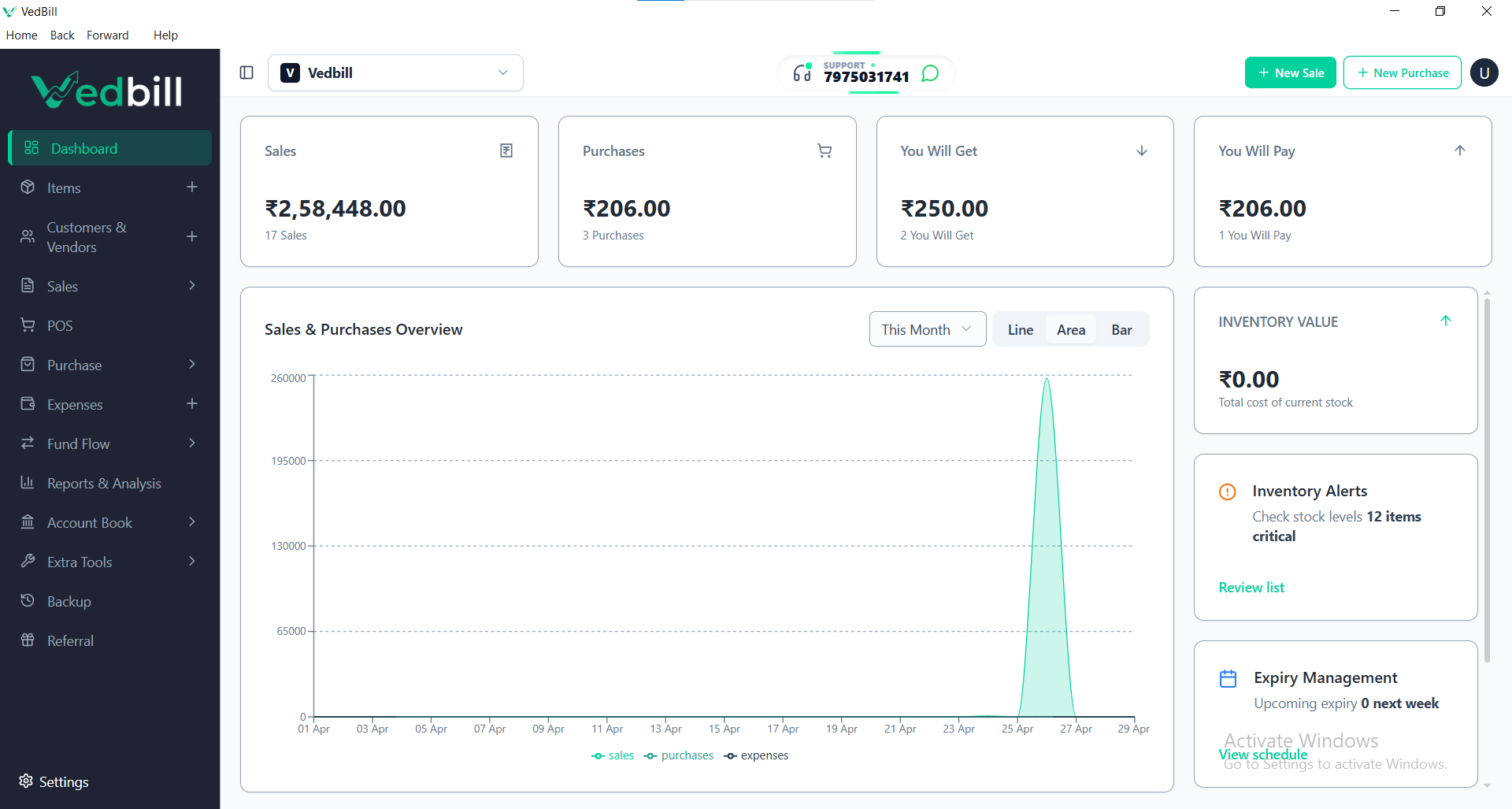
Using modern desktop software like VedBill, this entire process takes less than 15 seconds per invoice.
Mandatory Legal Requirements of a GST Tax Invoice (Rule 46)
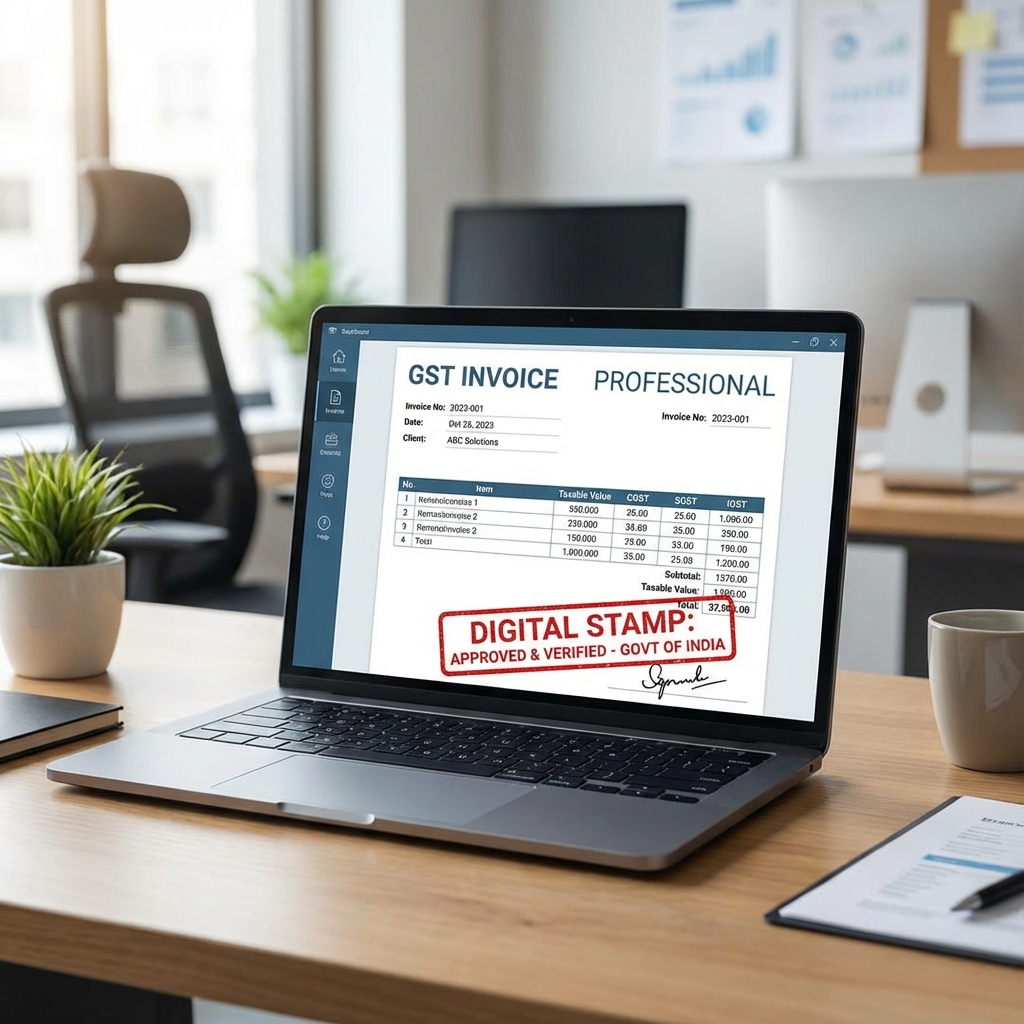
Under Rule 46 of the Central Goods and Services Tax (CGST) Rules, 2017, every valid tax invoice issued by a registered supplier must contain specific mandatory fields:
- Supplier Credentials: Legal business name, registered address, contact details, and 15-digit GSTIN.
- Consecutive Serial Number: A unique serial number containing only alphabets, numerals, and special characters (hyphens or slashes), unique for each financial year.
- Date of Issue: Exact date on which the invoice is generated.
- Recipient Information:
- For B2B Invoices: Recipient legal name, address, and 15-digit GSTIN or UIN.
- For B2C Invoices over ₹50,000: Recipient name, delivery address, and state name with state code.
- Harmonized System of Nomenclature (HSN) Code: Correct 4, 6, or 8-digit HSN code for goods (or SAC code for services).
- Detailed Item Description: Product name, quantity, unit of measurement (pieces, kg, meters), and unit price.
- Total Taxable Value: Item amount after deducting any eligible commercial trade discounts.
- Tax Rate and Tax Amounts: Explicit columns displaying applied tax rates and exact amounts broken down into:
- Central Tax (CGST) and State Tax (SGST) for local sales.
- Integrated Tax (IGST) for interstate sales.
- Place of Supply: Name of the destination state and its official two-digit GST state code.
- Authorized Signature: Signature or digital verification note of the supplier.
Modern billing software automatically formats every printed document to meet these statutory requirements without requiring manual layout design.
Tax Invoice vs Bill of Supply: What Is the Difference?
Understanding which document to issue is essential for proper tax compliance:
| Document Type | Who Issues It? | Can Input Tax Credit (ITC) Be Claimed? | Tax Shown Separately? | | :--- | :--- | :--- | :--- | | GST Tax Invoice | Regular registered taxpayers selling taxable goods | Yes (by registered B2B buyers) | Yes (explicit CGST, SGST, IGST columns) | | Bill of Supply | Composition scheme dealers or businesses selling tax-exempt goods | No | No (no tax is charged or displayed) | | Retail Cash Memo | Regular taxpayers selling small amounts to unregistered retail walk-in consumers | No (consumer purchase) | Yes (tax included or detailed on thermal slip) |
Step-by-Step Walkthrough: Creating a GST Invoice in VedBill
Here is the exact workflow for generating an invoice in under 15 seconds using VedBill:
Step 1: Open New Invoice Screen
Launch VedBill on your Windows PC and press F1 or click "New Invoice". The system automatically assigns the next consecutive invoice number and populates the current date.
Step 2: Choose Customer Category
- For walk-in retail shoppers: Leave as "Cash / Retail Consumer".
- For B2B business buyers: Type the customer's name or phone number. If it is a new corporate client, enter their 15-digit GSTIN. VedBill automatically detects their state from the first two digits of the GSTIN (e.g., 29 for Karnataka, 27 for Maharashtra, 07 for Delhi).
Step 3: Add Items to the Bill
Scan the product barcode with your USB scanner or type the first few letters of the item name. The system instantly loads the item along with its pre-configured HSN code, unit price, and GST percentage. Adjust the quantity if needed.
Step 4: Automatic Tax Computation
VedBill automatically evaluates the customer's state versus your store's home state:
- Intra-State Sale: If your store is in Karnataka (29) and the buyer is in Karnataka (29), an 18% item automatically splits into 9% CGST and 9% SGST.
- Inter-State Sale: If the buyer is located in Tamil Nadu (33), the system applies 18% IGST.
Step 5: Select Payment Method & Finalize
Select the payment mode (Cash, UPI, Card, or Credit). For UPI payments, VedBill can display a dynamic payment QR code directly on the counter screen or printed receipt. Press Enter to finalize and print.
Common GST Invoicing Mistakes Made by Retailers
Avoid these frequent compliance errors:
- Using Non-Sequential Invoice Numbering: Skipping invoice numbers or resetting serial counters randomly violates GST Rule 46. Invoice numbering must remain strictly sequential throughout the financial year.
- Applying Incorrect HSN Codes: Using generic or outdated HSN codes leads to tax calculation discrepancies and potential penalties during department audits.
- Incorrect State Tax Splitting on Inter-State Sales: Charging CGST + SGST on a shipment sent to an out-of-state customer instead of IGST prevents the buyer from claiming Input Tax Credit (ITC).
- Missing Customer GSTIN on B2B Transactions: Failing to record the buyer's valid 15-digit GSTIN prevents the transaction from reflecting in their GSTR-2B, causing invoice rejections and delayed payments.
Pre-Invoicing Checklist for Indian MSMEs
Use this checklist to ensure your business invoicing is 100% compliant:
- [ ] Is your 15-digit GSTIN clearly displayed on the invoice header?
- [ ] Are invoice numbers strictly consecutive and unbroken for the current financial year?
- [ ] Are all product HSN codes updated according to latest GST notifications?
- [ ] Does the invoice clearly distinguish between taxable value, CGST, SGST, and IGST?
- [ ] For B2B clients, is their valid GSTIN recorded to facilitate Input Tax Credit?
- [ ] Can your software export monthly GSTR-1 sales data directly to Excel for your accountant?
The VedBill Solution: Automated, Compliant GST Invoicing
VedBill was designed from the ground up to eliminate GST calculation headaches for Indian small businesses:
- Built-in Indian Tax Engine: Pre-configured with all standard tax slabs (0%, 5%, 12%, 18%, 28%) and automatic intra-state / inter-state tax splitting.
- Flexible Print Formats: Print full-page professional A4/A5 delivery invoices for corporate clients or compact 2-inch and 3-inch thermal receipts for retail consumers.
- One-Click GSTR Reports: Export complete GSTR-1 and GSTR-3B monthly sales summaries formatted specifically for easy filing with local tax consultants.
- 100% Free Desktop Reliability: No recurring software fees, no invoice limits, and no internet connection required to create bills.
Frequently Asked Questions (FAQs)
1. Does VedBill automatically calculate CGST, SGST, and IGST?
Yes. Based on your store's home state and the customer's billing address or GSTIN, VedBill automatically determines whether the transaction is intra-state (applying equal CGST and SGST) or inter-state (applying IGST).
2. Can I issue non-GST bills if my business is not GST registered?
Yes. If your annual turnover is below the mandatory GST registration threshold, you can configure VedBill in non-GST mode to generate clean retail cash memos and bills of supply without tax lines.
3. How do I prepare data for my monthly GSTR-1 tax filing?
Within VedBill, navigate to the Reports module, select your desired date range (e.g., the previous calendar month), and click "Export to Excel". You will receive a clean summary categorized by B2B sales, B2C sales, HSN summaries, and tax totals ready for your chartered accountant.
4. Can I add my business bank account details and UPI QR code to the printed invoice?
Yes. VedBill allows you to add your bank name, account number, IFSC code, branch details, and UPI ID directly onto printed A4 and thermal invoices so clients can pay seamlessly.
Conclusion & Next Steps
Transitioning from manual paper bills to automated GST billing software eliminates costly calculation mistakes, speeds up counter service, and ensures complete peace of mind during tax filing season. You do not need expensive corporate software to achieve flawless GST compliance.
Simplify your GST invoicing today.
Download VedBill Free for Windows Desktop and start generating accurate, professional GST invoices in seconds.
Manage Your Store with VedBill Desktop Software
VedBill is 100% free desktop billing software built for retail shops, supermarkets, pharmacies, and small businesses in India. No recurring subscriptions or expensive cloud fees.
VedBill Editorial Team
Retail & Billing Specialist at VedBill