How Barcode Billing Software Improves Retail Checkout Speed: Comprehensive Analysis
Discover how barcode billing software accelerates retail checkout counters. Analyze transaction speeds, error reduction, queue management, and hardware setup.
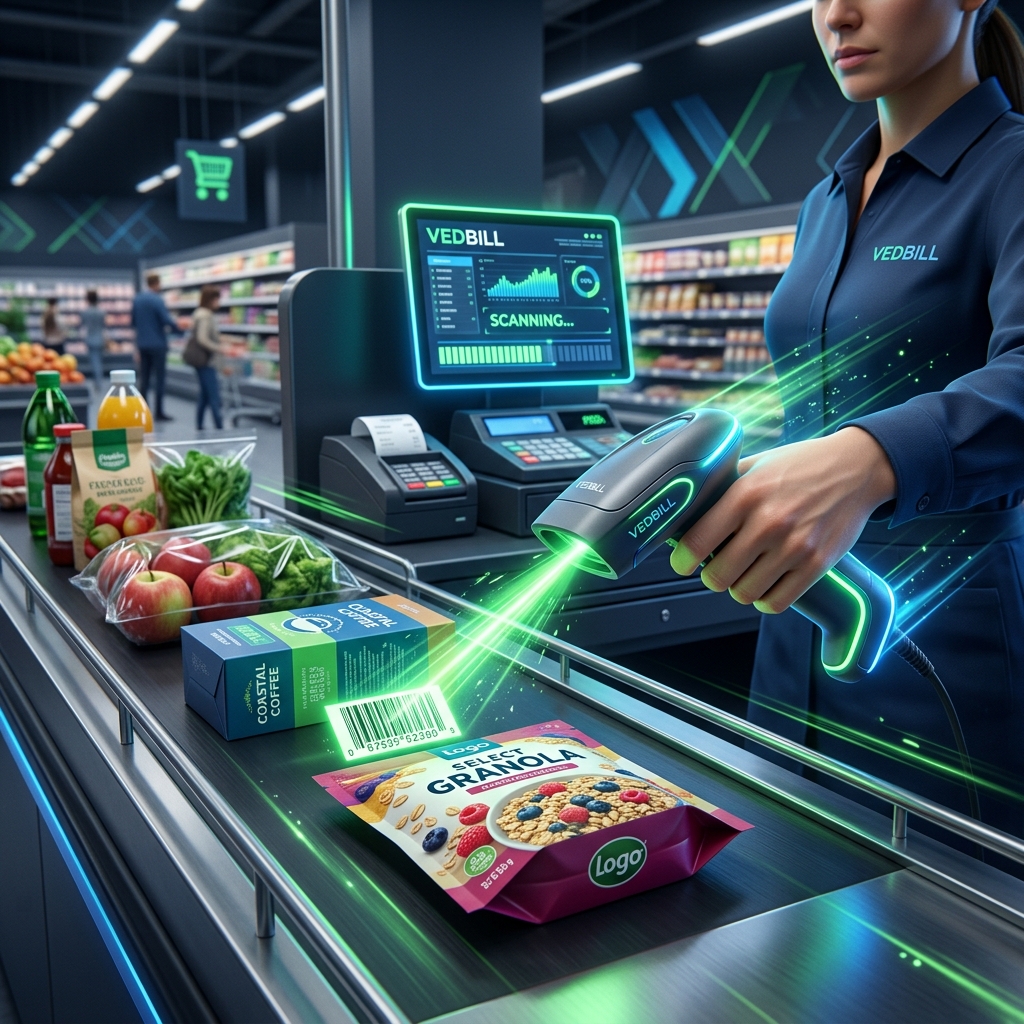
At any physical retail counter, the checkout experience represents the final and most impressionable moment of a customer's visit. A shopper who spent twenty minutes happily browsing aisles will leave frustrated if they are forced to spend ten minutes standing in a slow, disorganized billing queue.
In traditional retail counters without barcode systems, cashiers must manually inspect price stickers, search through paper price lists, or type item codes into a computer. This manual process causes severe counter delays, introduces calculation mistakes, and creates customer friction.
Implementing barcode billing software completely transforms this dynamic. A simple scan registers items instantly, calculates taxes, and generates receipts in seconds.
This comprehensive guide analyzes how barcode billing software improves retail checkout speed, compares manual vs barcode transaction metrics, and outlines how Indian retailers can set up a high-speed barcode counter.
Direct Answer: How Barcode Billing Software Improves Retail Checkout Speed
Barcode billing software improves retail checkout speed by reducing item entry times from 15–30 seconds per item down to less than 1 second per scan.
Instead of cashiers manually searching item names, remembering fluctuating prices, or hand-calculating discounts, a laser barcode scanner reads the product's Universal Product Code (UPC) or European Article Number (EAN), and the billing software instantly retrieves the product description, MRP, discounted rate, and GST tax rate from local memory.
By eliminating typing and mental math, stores using barcode billing handle 300% to 400% more customers per hour while virtually eliminating pricing errors.
The Anatomy of Checkout Bottlenecks: Why Manual Billing Is Slow
To appreciate how barcodes accelerate counter performance, consider what happens during a manual counter transaction:
- Item Identification Delay (5–10 seconds per item): The cashier examines the package to locate handwritten price tags or manufacturer price markings.
- Manual Keyboard Typing (5–8 seconds per item): The cashier types the product name, item code, or price into the billing system.
- Price Discrepancies and Clarifications (30–60 seconds per bill): If the price tag is smudged, torn, or outdated, the cashier must ask other staff or check the shelf, stalling the entire line.
- Manual Calculation of Multi-Buys (5–10 seconds): Calculating totals, trade discounts, and tax percentages manually leads to hesitations and double-checking.
- Slow Paper Printing (10–20 seconds): Slow dot-matrix or ink-jet printers crawl through paper slips line by line.
In a store where an average shopper buys 8 items, a manual checkout takes between 2.5 and 4 minutes per customer. During peak evening hours, a queue of five shoppers easily results in a 20-minute wait.
How Barcode Automation Transforms the Checkout Experience
When barcode automation is introduced, the entire counter dynamic shifts:
[Item Scan: <0.5s] ──> [Instant Price & Tax Lookup] ──> [One-Touch Payment] ──> [Instant Thermal Print]
- Sub-Second Item Entry: Sweeping an item across a laser or image scanner takes less than 0.5 seconds.
- Guaranteed Price Consistency: The price charged at the counter always matches the centralized master catalog, eliminating customer disputes over shelf price mismatches.
- Automatic Multi-Unit and Combo Pricing: Scanning five identical items instantly tallies totals and applies volume discounts automatically.
- Integrated Payment Processing: High-speed barcode systems display dynamic UPI QR codes on the screen or receipt, allowing customers to pay with Google Pay or PhonePe instantly.
- Instant Thermal Printing: Modern 80mm or 58mm thermal receipt printers print a complete 10-item receipt in less than 2 seconds using silent heat technology.
The total transaction time for an 8-item basket drops from 3.5 minutes down to under 25 seconds.
Comparison: Manual vs Barcode Billing Checkout Speed
| Operational Metric | Manual / Hand-Typed Billing | Barcode Scanner POS (VedBill) | Performance Gain | | :--- | :--- | :--- | :--- | | Time Per Item Entry | 12 to 25 seconds | 0.3 to 0.8 seconds | 95% Faster | | Average 10-Item Bill Duration| 3 to 4.5 minutes | 20 to 35 seconds | 85% Time Saved | | Pricing Error Rate | 3% to 6% of transactions | <0.01% (Virtually zero) | 99% Error Reduction | | Cashier Training Time | Several days of price memorization| Under 15 minutes | Instant onboarding | | Peak-Hour Customer Capacity| 12 to 15 shoppers/hour | 50 to 60 shoppers/hour | 4x Higher Throughput | | Inventory Update Lag | Manual updates at end of day | Instant real-time deduction | 100% Real-Time |
Selecting the Right Barcode Hardware for Your Counter
Setting up a barcode billing counter does not require complex or expensive enterprise machinery:
1. Handheld 1D Laser Barcode Scanners
- Best For: Small Kirana stores, apparel boutiques, and hardware shops.
- How They Work: Connect via simple USB plug-and-play. Cashiers point and click a trigger at standard linear barcodes (EAN-13, UPC).
- Cost Range: ₹800 to ₹1,800.
2. Hands-Free Omnidirectional / Presentation Scanners
- Best For: High-volume supermarkets, busy grocery marts, and pharmacy counters.
- How They Work: Sit on the checkout counter surface. Cashiers swipe products across the scanning window with both hands without pressing triggers.
- Cost Range: ₹2,500 to ₹5,500.
3. 2D Image Scanners
- Best For: Stores scanning both standard barcodes and smartphone digital QR codes or loyalty coupons.
- How They Work: Read barcodes from physical labels as well as reflective smartphone glass screens.
- Cost Range: ₹1,500 to ₹3,500.
Best Practices for Implementing Barcode Billing in Your Store
Follow these proven implementation rules to maximize counter speed:
- Print Barcode Labels for Loose and Unbranded Items: For repackaged dry fruits, grains, or unbranded garments, use a standard barcode label printer or A4 sticker sheets to generate custom barcode tags.
- Keep Scanner Glass Clean: Smudges, dust, and adhesive residue on scanner lenses cause scanning retries that slow down billing.
- Configure Beeper Volume Appropriately: An audible "beep" gives cashiers immediate sensory confirmation that an item scanned successfully, allowing them to bag goods without looking at the monitor screen.
- Implement Keyboard Shortcuts for Quantity Multipliers: If a shopper buys 12 packs of noodles, the cashier should press 12 * [Scan Item] rather than scanning the individual package 12 times.
The VedBill Solution: Lightning-Fast Barcode Billing
VedBill is optimized specifically for rapid barcode scanning and high-throughput retail counters:
- Sub-Second Local Search: Built with an ultra-responsive local Windows database engine that processes barcode scans instantaneously without internet lag.
- Universal Scanner Compatibility: Works out-of-the-box with any standard USB or wireless barcode scanner without requiring special drivers.
- Custom Barcode Generator: Easily generate and print custom barcode stickers for unbranded, loose, or in-house packaged goods.
- Fast Thermal Receipt Integration: Formatted specifically for ESC/POS 58mm and 80mm thermal printers with instant UPI payment QR codes.
- 100% Free Forever: No setup charges, no license fees, and no recurring subscriptions.
Frequently Asked Questions (FAQs)
1. Do I need special drivers to use a barcode scanner with VedBill?
No. Almost all standard USB barcode scanners emulate a standard USB keyboard (Human Interface Device / HID). When you scan a barcode, it automatically inputs the digits into VedBill and triggers the item lookup instantly.
2. What should I do if a product does not have a manufacturer barcode?
VedBill includes a built-in barcode generation feature. You can assign a unique internal code (SKU) to any loose or unbranded item, generate barcode labels, and print them on standard sticker sheets or dedicated label printers.
3. Can VedBill scan barcodes if the internet goes down?
Yes. Because VedBill operates 100% offline on your Windows computer, all barcode data, product catalogs, and pricing rules are stored locally on your PC hard drive. Barcode scanning functions at maximum speed with zero internet connectivity.
4. Can the software handle loose weighed items like fruits and vegetables?
Yes. You can assign short numeric quick-codes (PLU codes) or barcode labels to loose items, allowing cashiers to type a two-digit code or scan a label to enter weighed produce instantly.
Conclusion & Next Steps
In modern retail, counter speed directly governs customer satisfaction, store reputation, and daily revenue capacity. Upgrading your checkout counter with barcode billing software eliminates frustrating queue bottlenecks, prevents calculation errors, and allows your staff to serve multiple times more customers every day.
Accelerate your checkout counter today.
Download VedBill Free for Windows Desktop and experience instant barcode billing engineered for high-performance retail.
Manage Your Store with VedBill Desktop Software
VedBill is 100% free desktop billing software built for retail shops, supermarkets, pharmacies, and small businesses in India. No recurring subscriptions or expensive cloud fees.
VedBill Editorial Team
Retail & Billing Specialist at VedBill




