Best Offline Billing Software for Small Businesses (100% No-Internet)
Why offline billing software is critical for Indian businesses. Avoid broadband interruptions, eliminate cloud fees, and protect data privacy with VedBill.

Cloud technology and browser dashboards dominate technology marketing today. However, for retail shop owners operating in commercial districts across Tier 1, Tier 2, and Tier 3 Indian cities, continuous high-speed internet connectivity is never guaranteed. Fiber line cuts during road construction, local broadband outages, severe weather disruptions, and server downtime can bring cloud-based billing systems to an immediate halt.
When a queue of customers waits at your checkout counter, a billing system that cannot function without an active internet connection creates chaos, frustrates shoppers, and costs revenue.
This comprehensive guide details the best offline billing software for small businesses, explains why offline architecture is critical for retail resilience, and shows how local data storage protects business security.
Direct Answer: What Is the Best Offline Billing Software for Small Businesses?
The best offline billing software for small businesses is a native desktop application that operates 100% independently of internet connectivity, stores all financial data and inventory records locally on your computer hard drive, and communicates directly with USB printers and barcode scanners.
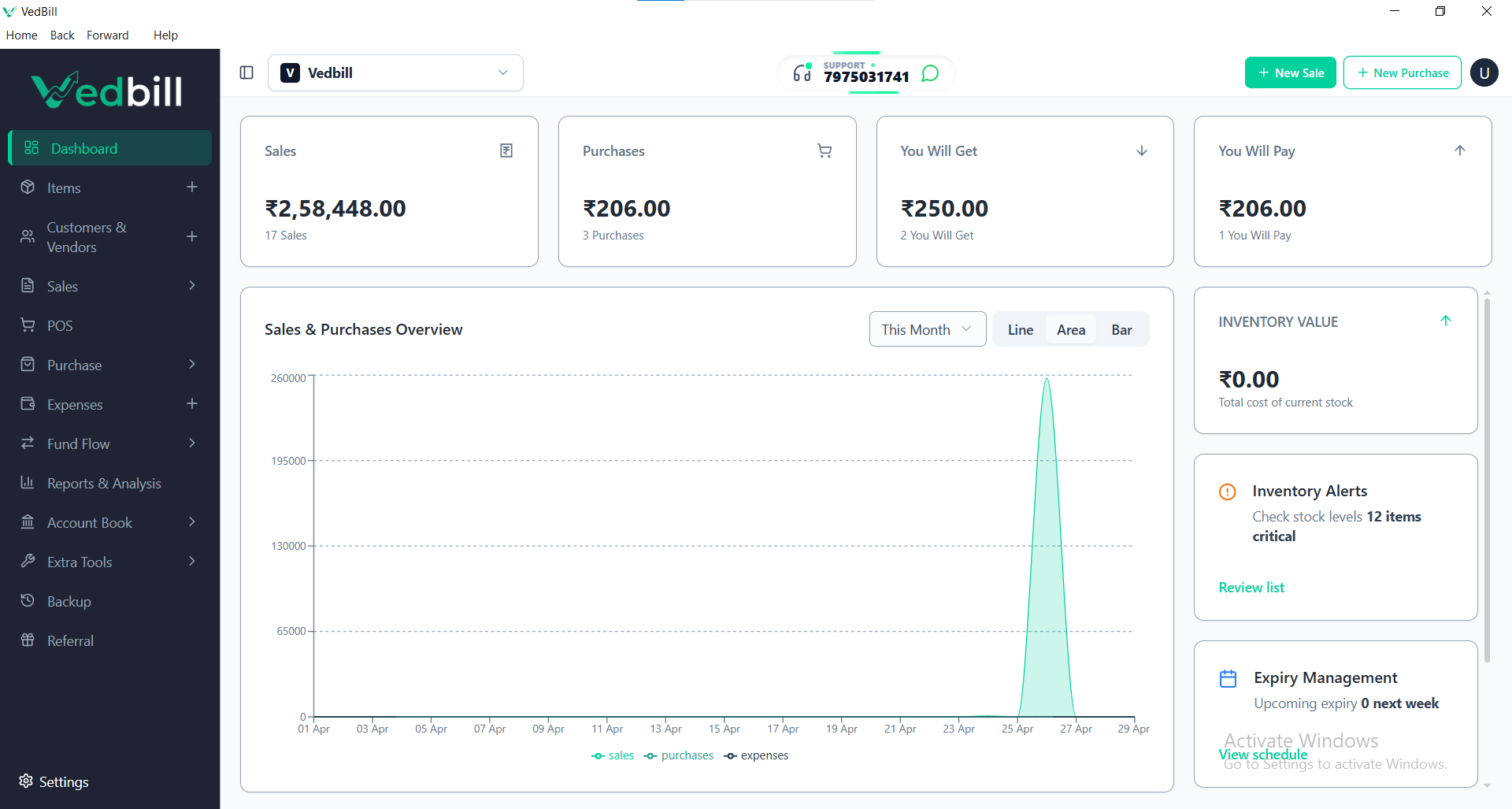
VedBill is widely recognized as the premier offline billing software for Indian small businesses. It runs completely offline on Windows PCs, never requires an active internet connection to generate bills or manage inventory, boasts zero monthly subscription fees, and safeguards your financial data locally with easy USB backup options.
Why Offline Billing is Critical for Indian Retail Businesses
1. Zero Downtime During Broadband Outages
Broadband disconnects happen without warning. With 100% offline software, your checkout counter never freezes. You can scan barcodes, calculate taxes, and print receipts with zero interruption.
2. Micro-Second Response Speeds
Web-based cloud applications rely on sending network packets back and forth to remote data centers for every single button click. Native offline software executes directly on your computer processor, responding in milliseconds.
3. Absolute Financial Privacy
When business records are uploaded to third-party cloud servers, sensitive data—including supplier purchase costs, daily margins, customer phone numbers, and overall turnover—is accessible to platform operators. Offline software keeps financial records strictly on your local computer.
4. No Recurring Monthly SaaS Fees
Cloud software operates on recurring rental subscriptions. If you stop paying their monthly or annual fees, you lose access to your past billing data. Offline desktop tools like VedBill belong to you permanently.
How to Maintain Safe Data Backups with Offline Software
A common objection to offline software is data vulnerability in the event of computer hardware failure. With VedBill, safeguarding your database is simple and automated:
- Automated Local Backups: The software automatically creates an encrypted database backup every time you close the application.
- One-Click USB Mirroring: Insert a standard USB thumb drive and click 'Export Backup' to mirror your database in under five seconds.
- Optional Cloud Redundancy: By selecting your Google Drive or OneDrive local sync folder as the backup destination, you gain automatic off-site cloud protection without relying on cloud software to run your daily billing.
Step-by-Step: Setting Up an Offline Billing Counter
- Install on Your PC: Download and install VedBill Desktop Software on any Windows 7, 8, 10, or 11 computer.
- Setup Store Details: Enter your business name, address, phone number, and optional GSTIN.
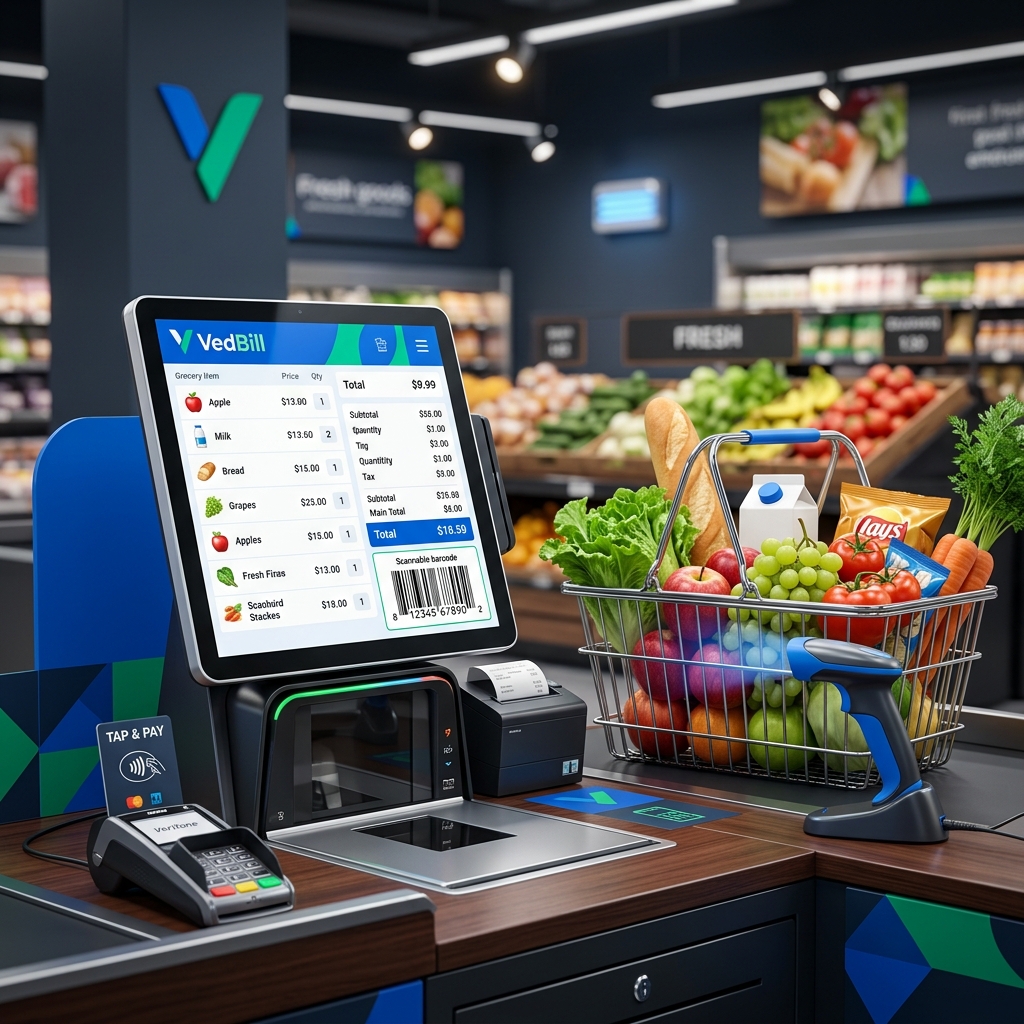
- Connect POS Hardware: Connect your USB barcode scanner and thermal receipt printer. Because the software runs locally, Windows identifies peripherals instantly.
- Enter Stock Items: Upload products via Excel or add items on the fly.
- Bill Without Limits: Disconnect your internet cable or turn off Wi-Fi—the software continues running at full speed indefinitely.
Common Myths About Offline Billing Software
- Myth 1: 'Offline software is outdated.' Fact: Native desktop applications remain the preferred choice for mission-critical industrial, medical, and high-speed retail systems worldwide due to their unmatched speed and reliability.
- Myth 2: 'You cannot get GST reports offline.' Fact: VedBill calculates all GST components locally and exports clean Excel summaries for your Chartered Accountant without requiring internet access.
- Myth 3: 'Updating stock requires the cloud.' Fact: Every purchase entry and sale automatically adjusts local database stock balances in real time.
Architectural Comparison: Offline Software vs Cloud Web Apps
| Evaluation Parameter | VedBill Offline Desktop 💻 | Cloud SaaS Web Portals ☁️ | | :--- | :--- | :--- | | Internet Dependency | Zero (Works 100% Offline) | Constant high-speed required | | Checkout Speed | Sub-second native speed | Subject to server and network lag | | Subscription Cost | Free Lifetime | ₹500 to ₹1,500 every month | | Hardware Connection | Direct USB port sync | Often requires browser bridge plugins | | Data Storage | Local hard drive | Third-party remote server |
The VedBill Solution: Why Small Businesses Choose VedBill for Offline Billing
VedBill Offline Billing Software gives small business owners complete operational independence:
- 100% Free Lifetime Ownership: No monthly renewal fees, no credit card requirements, and no artificial bill volume limits. See our Pricing Details.
- Full Hardware Compatibility: Direct USB support for 58mm and 80mm thermal printers, barcode scanners, and weighing scales.
- Comprehensive Stock Management: Real-time inventory deduction, low stock alerts, and bulk product imports via Excel.
Download your free copy today from our Pricing Page.
Frequently Asked Questions (FAQs)
1. Will VedBill stop working if my internet disconnects for several weeks?
No. VedBill has zero internet dependency. It will continue working normally forever, whether your PC is connected to the internet or completely offline.
2. Can I transfer my offline database to a new computer if I buy a new PC?
Yes. Simply use the 'Backup Database' feature in VedBill, save the file to a USB thumb drive, install VedBill on the new computer, and click 'Restore Database'.
3. How do I send GST reports to my accountant if the software is offline?
Click 'Export GSTR-1 Report' to generate an Excel spreadsheet. You can copy this file to a pen drive or email it to your tax consultant whenever convenient.
Conclusion
Operational reliability is the cornerstone of retail profitability. By deploying 100% offline desktop billing software, you protect your counter from broadband disconnects, eliminate monthly software fees, and maintain absolute control over your financial records.
Experience reliable offline billing today. Download VedBill Free and run your store with complete peace of mind.
Manage Your Store with VedBill Desktop Software
VedBill is 100% free desktop billing software built for retail shops, supermarkets, pharmacies, and small businesses in India. No recurring subscriptions or expensive cloud fees.
VedBill Engineering Team
Retail & Billing Specialist at VedBill