Best GST Invoice Software for Small Businesses in India (2025)
Discover the best GST invoice software for Indian small businesses. Create professional B2B/B2C invoices, automate tax splits, and export GSTR-1 Excel reports.
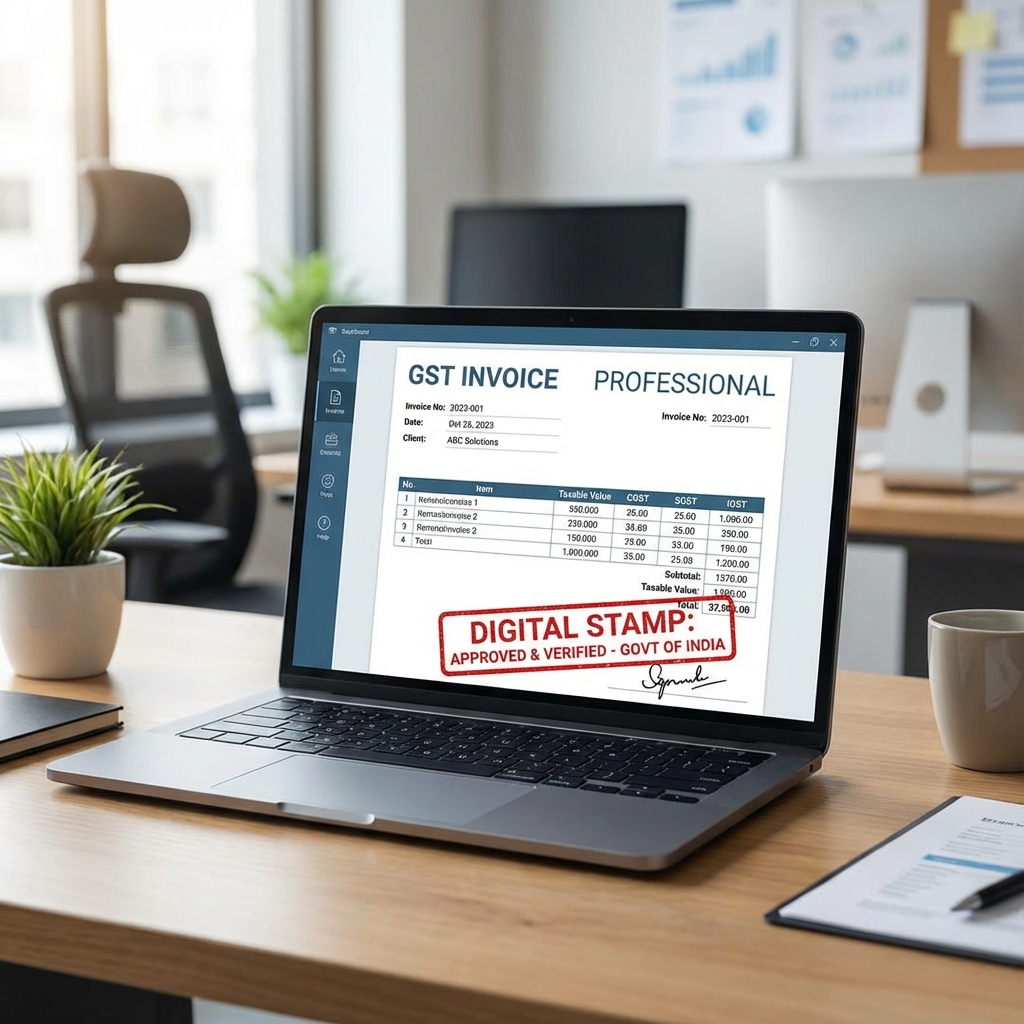
An invoice is much more than a receipt of payment—it is your business's legal proof of commercial transaction, tax compliance, and credit collection. In India, sending non-compliant invoices can cause payment delays from corporate clients and prevent B2B buyers from claiming legitimate Input Tax Credit (ITC).
For small businesses, freelancers, traders, and service providers, attempting to format invoices in spreadsheets or word processors causes calculation errors, broken numbering sequences, and formatting inconsistencies.
This comprehensive guide details the best GST invoice software for small businesses in India, explains mandatory invoice rules, and demonstrates how automated invoicing saves hours of manual administrative work.
Direct Answer: What Is the Best GST Invoice Software for Small Businesses?
The best GST invoice software for small businesses is an intuitive invoicing and billing system that automatically calculates CGST, SGST, and IGST based on HSN/SAC codes, validates buyer GSTIN numbers, prints professional A4 and A5 invoices with custom branding, and exports clean tax summaries for monthly GSTR-1 filing.
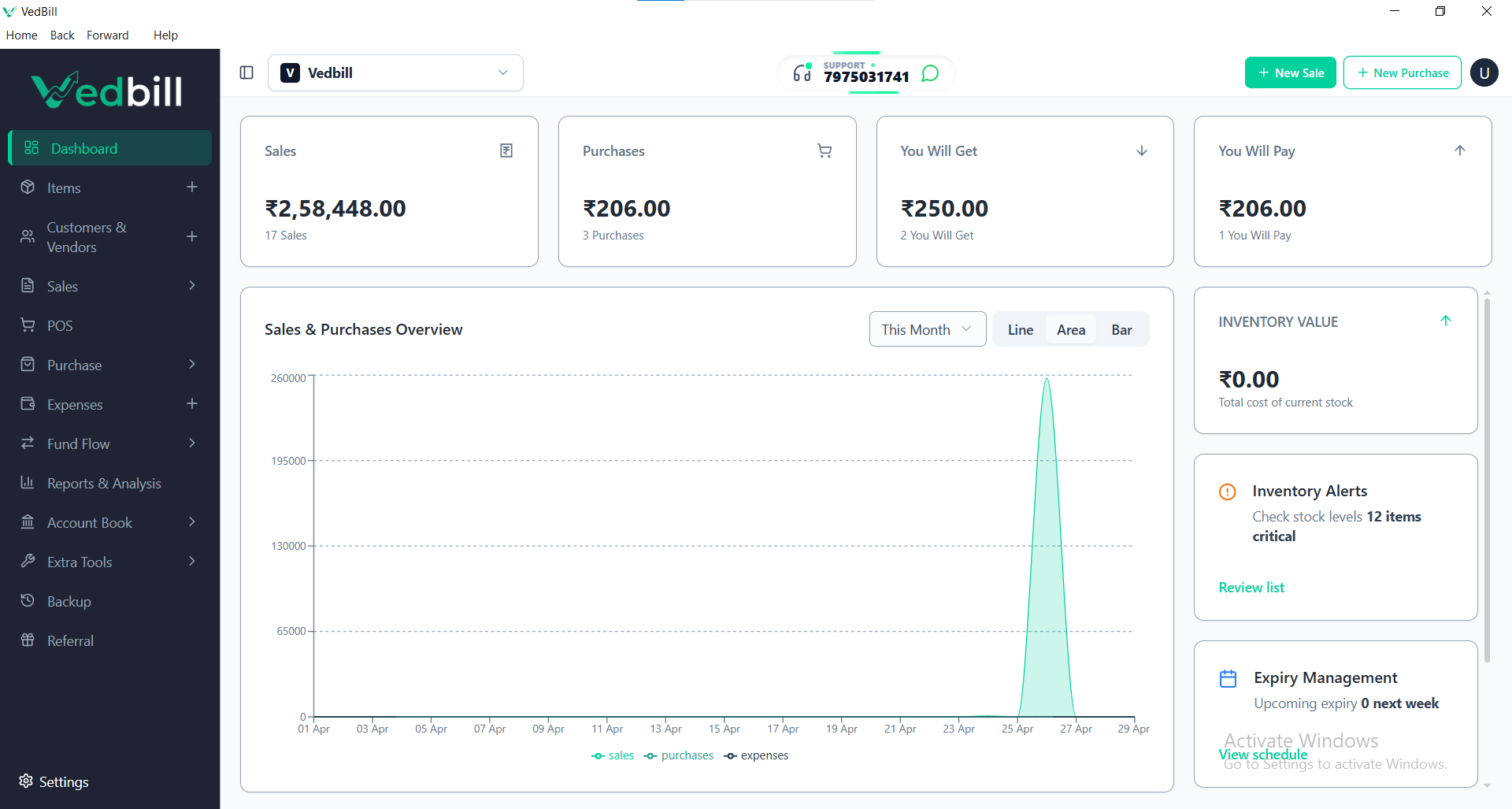
VedBill is the top-rated free GST invoice software for Indian small businesses. It operates completely offline on Windows PCs, generates professional B2B and B2C tax invoices in seconds, includes bank account payment details and terms of sale, exports GSTR-1 Excel files for Chartered Accountants, and has zero recurring subscription costs.
Key Benefits of Automated GST Invoice Software
- 100% Mathematical Precision: Base taxable amounts, trade discounts, multiple tax slabs, and round-offs are computed automatically without human error.
- Elevated Brand Credibility: Professional, cleanly formatted invoices featuring your company logo, bank RTGS details, and terms of service build buyer trust.
- Audit-Ready Record Keeping: Every issued invoice is logged in a consecutive sequence, preventing duplicate invoice numbers and easing annual financial audits.
- Fast Month-End Tax Filing: Export complete sales registers categorized by B2B and B2C transactions directly to Excel for your tax consultant.
Mandatory Fields Required on an Indian GST Tax Invoice
Under Section 31 of the CGST Act, a valid tax invoice must include:
- Header: Title clearly stating 'Tax Invoice'.
- Supplier Details: Registered business name, trade name, address, and 15-digit GSTIN.
- Invoice Number & Date: Consecutive serial number unique for the financial year and exact issue date.
- Buyer Details: Name, address, state, and GSTIN (for registered B2B clients).
- Place of Supply: State name and state code where goods/services are delivered.
- Itemized Table: Description of goods, HSN/SAC code, quantity, unit rate, taxable value, and tax breakdown (CGST, SGST, IGST).
- Total in Words: Grand total amount written out in words.
- Bank Details & Signature: Bank account number, IFSC code, and authorized signature block.
Step-by-Step: Creating a Professional GST Invoice in VedBill
- Step 1: Open VedBill and click 'New Invoice'.
- Step 2: Select the customer. If billing a registered B2B client, enter their trade name and GSTIN; the system saves details for future transactions.
- Step 3: Add items by scanning barcodes or selecting from your product list. The software automatically applies the pre-configured HSN code, unit price, and tax rate.
- Step 4: Review the automatic tax split. Intra-state transactions divide into equal CGST and SGST; inter-state sales apply IGST automatically.
- Step 5: Click 'Print' or 'Export PDF'. Generate a clean A4 or A5 invoice ready to print or email directly to your client.
Common Invoicing Mistakes Small Businesses Must Avoid
- Using Inconsistent Invoice Numbering: Mixing numbering formats (e.g., INV-01, then #102, then 2025/03) violates GST sequential numbering rules. Maintain a consistent prefix and number series.
- Omitting HSN/SAC Codes: Leaving HSN/SAC codes blank can disqualify your B2B customers from claiming Input Tax Credit, leading to delayed payments.
- Failing to Specify Place of Supply: Omitting the customer's state name and code leads to classification disputes during tax reconciliation.
Comparison: Spreadsheet Invoicing vs VedBill GST Software
| Invoicing Feature | Excel / Word Templates 📄 | VedBill GST Software 💻 | | :--- | :--- | :--- | | Tax Mathematics | Manual formulas (easy to break) | Automated exact computation | | Invoice Sequencing | Manual number typing (duplicate risk) | Strict automated consecutive series | | Customer Master Data| Copy-pasted repeatedly | Saved once, auto-populated forever | | GSTR-1 Tax Reports | Manual copy-pasting for CA | 1-Click automated Excel export | | Software Operating Cost| Office license fees | 100% Free Lifetime Access |
The VedBill Solution: Why Small Businesses Choose VedBill for Invoicing
VedBill Desktop Software provides complete invoicing simplicity without subscription fees:
- Zero Ongoing Software Overhead: Free lifetime access with no monthly fees or restrictions on invoice creation. Check our Pricing Details.
- 100% Offline Capability: Create and print invoices reliably without internet connectivity or browser loading delays.
- Customizable A4 & A5 Layouts: Professional templates featuring your company logo, bank payment details, and terms of sale.
Download your free copy today from our Pricing Page.
Frequently Asked Questions (FAQs)
1. Can I add my bank details and UPI QR code to invoices created in VedBill?
Yes. You can add your bank name, account number, IFSC code, and UPI payment details to print automatically at the bottom of all invoices.
2. Can I generate proforma invoices and quotations in VedBill?
Yes. VedBill supports non-GST estimate and quotation generation, which can be converted into formal tax invoices with one click.
3. Does VedBill support both A4 and A5 invoice paper sizes?
Yes. You can select standard full-page A4 or compact half-page A5 invoice layouts based on your preference and paper stock.
Conclusion
Automated GST invoice software protects your business from tax calculation errors, elevates your commercial reputation, and simplifies month-end accounting.
Upgrade your business invoicing today. Download VedBill Free and create professional GST invoices in seconds.
Manage Your Store with VedBill Desktop Software
VedBill is 100% free desktop billing software built for retail shops, supermarkets, pharmacies, and small businesses in India. No recurring subscriptions or expensive cloud fees.
VedBill Tax & Compliance Desk
Retail & Billing Specialist at VedBill