Best Billing Software with Inventory Management for Retail Businesses
Discover how billing software with built-in inventory tracking eliminates stockouts, prevents shrinkage, and automates reorder alerts for Indian retailers.

In retail, Inventory is Capital in Physical Form. Every box, packet, and commodity sitting on your store shelves represents working capital that hasn't been converted back into cash. If inventory is mismanaged—resulting in stock-outs on popular products, capital locked up in dead stock, or shrinkage from untracked damage and theft—your business leaks profit continuously.
Billing and inventory management cannot operate as separate systems. When a sale occurs at the checkout counter, stock balances must update instantaneously.
This comprehensive guide details the best billing software with inventory management, outlines essential stock control principles, and explains how automation protects your bottom line.
Direct Answer: What Is the Best Billing Software with Inventory Management?
The best billing software with inventory management is an integrated system where point-of-sale billing automatically deducts stock in real time, supplier purchase bills update cost prices and inventory levels, and automated alerts notify you before popular products run out of stock.
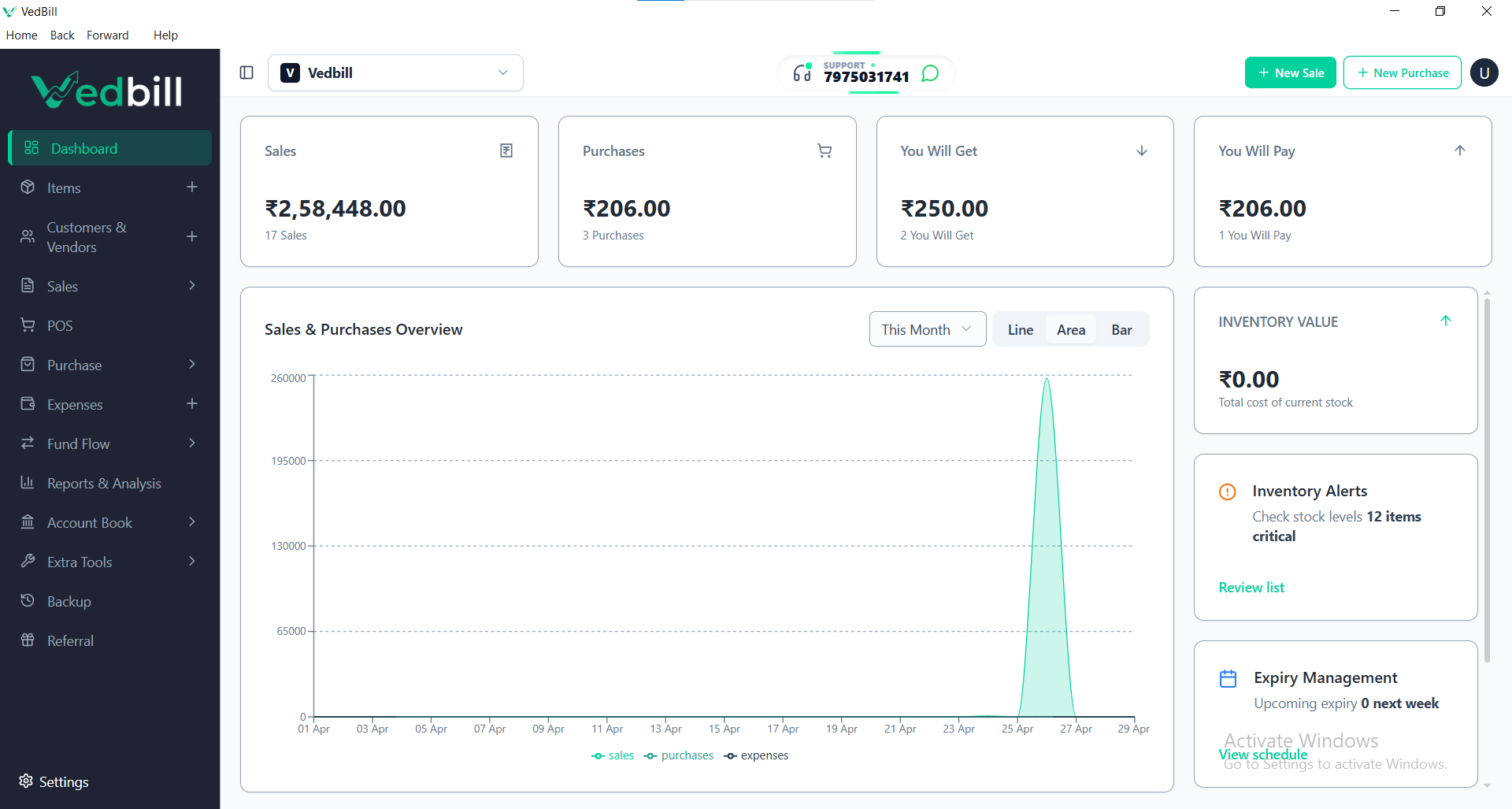
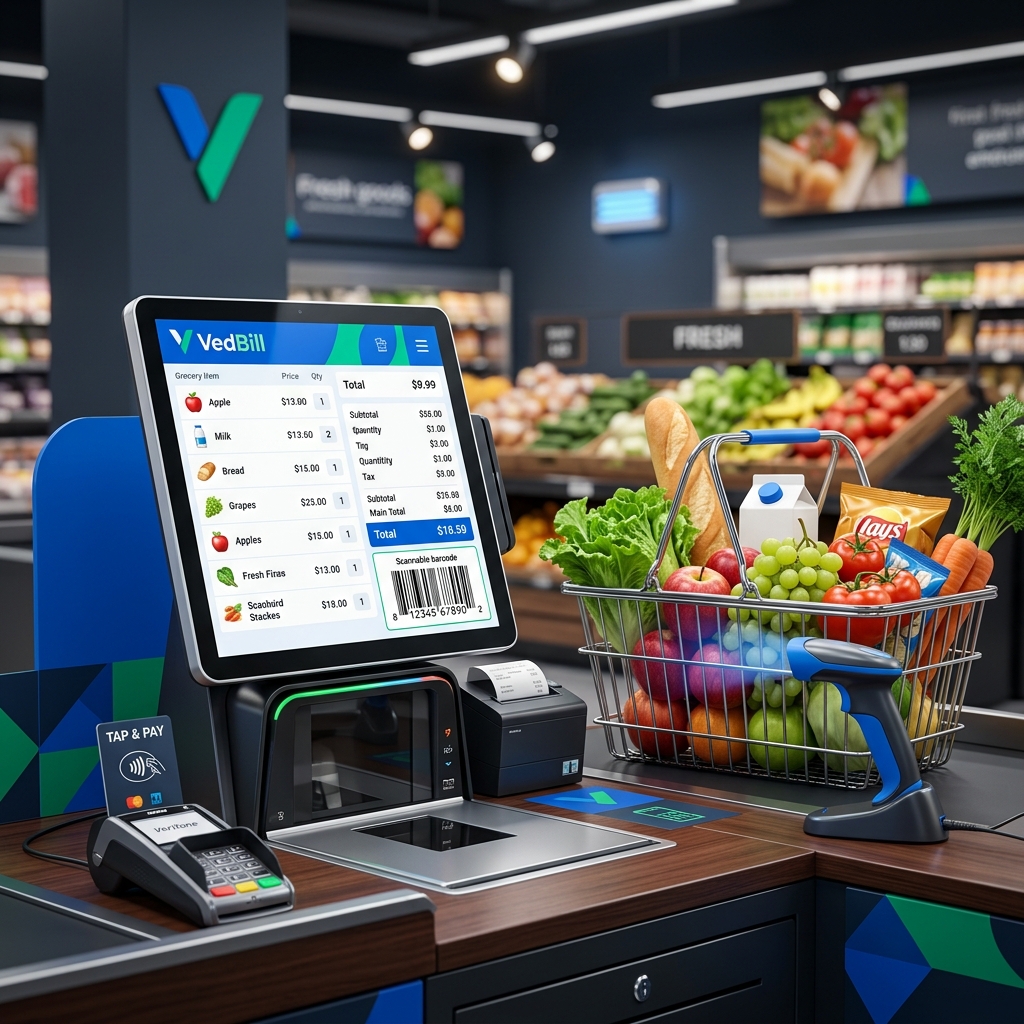
VedBill is the top-rated free solution for Indian retailers because it unites rapid counter billing with comprehensive inventory management in a single offline Windows application. It tracks stock balances in real time, flags low inventory, calculates exact profit margins based on wholesale purchase costs, and operates with zero recurring subscription fees.
The Hidden Costs of Disconnected Billing and Stock Records
Retail stores that record sales on billing machines while tracking stock manually in notebooks face severe operational friction:
- Lost Sales from Stock-Outs: When an item runs out without management noticing, customers leave empty-handed for nearby competitors.
- Working Capital Trapped in Dead Stock: Purchasing excess slow-moving goods ties up cash that could otherwise fund fast-selling inventory.
- Untracked Shrinkage and Pilferage: Without automated stock deduction matching purchase bills against sales registers, employee theft and supplier under-delivery go unnoticed.
- Inaccurate Margin Calculation: Without recording distributor purchase costs, business owners guess their profit margins rather than knowing exact numbers.
Key Inventory Features to Look for in Billing Software
1. Real-Time Automatic Stock Deduction
Every finalized invoice must deduct the exact sold quantities from inventory records immediately. Voided or returned items must return to stock with full audit tracking.
2. Low Stock and Minimum Reorder Alerts
Assign a safety stock threshold to each SKU (e.g., minimum 5 units). When sales bring the balance below this point, the software displays a reorder warning so you can place distributor orders proactively.
3. Supplier Purchase Bill Management
Log supplier deliveries with wholesale rates, item quantities, discounts, and tax components. The software automatically recalculates current stock quantities and updates cost prices.
4. Dead Stock Identification
Identify products that have not generated sales in 30, 60, or 90 days. This allows you to launch targeted discount bundles or clearance sales to release trapped capital.
5. Bulk Product Management via Excel
Importing and exporting your product master catalog through standard Excel spreadsheets saves hundreds of hours during initial store setup or seasonal price updates.
Step-by-Step: Mastering Inventory Control in Your Store
- Step 1: Perform Initial Stock Count: Accurately count all products currently on your shelves and in your stockroom.
- Step 2: Upload into Software: Import your stock list into VedBill using the bulk Excel upload tool, including purchase cost, selling rate, barcode, and opening quantity.
- Step 3: Log Every Delivery Before Shelving: Establish a strict store rule: no distributor delivery is unpacked onto customer shelves until the purchase invoice is entered into the system.
- Step 4: Conduct Weekly Cycle Audits: Instead of closing your store for a massive annual count, audit one specific category or shelf every week. Compare physical counts against software records to catch discrepancies early.
- Step 5: Review Stock Valuation Reports: Generate monthly stock valuation reports to analyze total inventory worth based on cost price and retail price.
Common Inventory Management Mistakes
- Ignoring Breakage and Wastage Entries: Failing to record damaged or broken goods leaves phantom stock in your database, causing false inventory balances.
- Over-Ordering Slow-Moving Items: Placing bulk orders solely for volume discounts on slow-moving items ties up cash and increases damage risk.
- Delaying Purchase Entries: Selling newly received stock before entering the supplier purchase invoice leads to negative stock balances and inaccurate profit records.
Comparison: Separate Billing & Stock Books vs VedBill Integrated POS
| Inventory Process | Manual Separate Books 📖 | VedBill Integrated POS 💻 | | :--- | :--- | :--- | | Stock Deduction | End-of-day manual tallying | Instantaneous on every sale | | Reorder Warning | Discovered only when shelf is empty | Automated low stock alerts | | Supplier Cost Tracking | Checked across paper invoice stacks | Digitally cataloged per item | | Stock Valuation | Days of manual calculator work | 1-Click automated valuation report | | Inventory Shrinkage | Undetected until major loss occurs | Flagged via weekly cycle counts |
The VedBill Solution: Why Retailers Rely on VedBill for Inventory Control
VedBill Desktop Software integrates billing and stock control into a unified, high-performance platform:
- Zero Software Costs: Full access to inventory management features with zero monthly subscription fees or user limits. Check our Pricing Details.
- 100% Offline Stability: Stock updates and billing run smoothly without internet access, eliminating cloud sync delays.
- Comprehensive Reporting: Real-time stock ledgers, low stock alerts, dead stock identification, and profit margin analysis.
Download your free copy today from our Pricing Page.
Frequently Asked Questions (FAQs)
1. Does VedBill support barcode scanning for inventory lookups?
Yes. Scanning any product barcode instantly displays its current stock balance, cost rate, and retail selling price.
2. Can I adjust stock manually if goods are damaged or spoiled?
Yes. VedBill includes a stock adjustment feature where you can record inventory write-offs due to damage, expiry, or personal store use.
3. How does VedBill calculate profit margins?
VedBill subtracts the recorded purchase cost from the final selling rate on each bill, providing accurate gross margin reporting across individual items and categories.
Conclusion
Integrating inventory management with counter billing gives you complete control over your store's working capital, stops stock-outs, and eliminates untracked shrinkage.
Take control of your retail inventory today. Download VedBill Free and optimize your store stock effortlessly.
Manage Your Store with VedBill Desktop Software
VedBill is 100% free desktop billing software built for retail shops, supermarkets, pharmacies, and small businesses in India. No recurring subscriptions or expensive cloud fees.
Inventory Optimization Desk
Retail & Billing Specialist at VedBill