Best Billing Software for Small Businesses in Karnataka: Complete Retail & GST Guide
Compare the best billing software for small businesses in Karnataka. Learn about local GST compliance, offline desktop functionality, inventory control, and thermal printing.

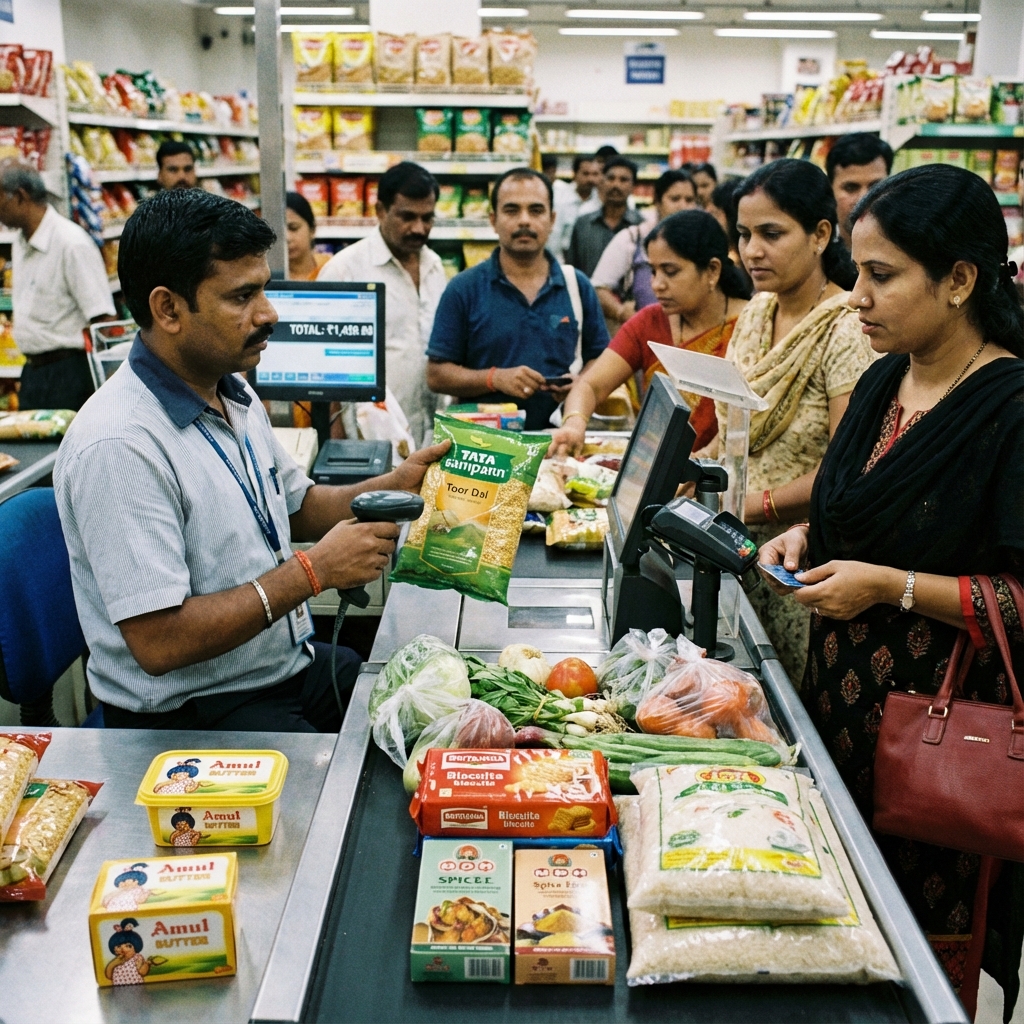
Small businesses and retail shops form the economic backbone of Karnataka. Across Tier 1, Tier 2, and Tier 3 cities—from Mysuru, Mangaluru, and Hubballi-Dharwad to Belagavi, Davanagere, Kalaburagi, and Shivamogga—thousands of independent retailers manage Kirana stores, hardware outlets, garment showrooms, and medical shops.
While commercial activity across Karnataka continues to modernize rapidly, many shopkeepers still struggle with manual paper bill books or slow, complicated accounting systems. Selecting the best billing software for small businesses in Karnataka is a pivotal business decision that eliminates calculation errors, speeds up counter service, and ensures strict GST tax compliance without blowing your operational budget.
Direct Answer: What Is the Best Billing Software for Small Businesses in Karnataka?
The best billing software for small businesses in Karnataka is an offline-first Windows desktop billing application that offers automated Karnataka GST calculation (State Code 29), barcode POS scanning, real-time stock management, and thermal receipt printing without charging monthly subscription fees.
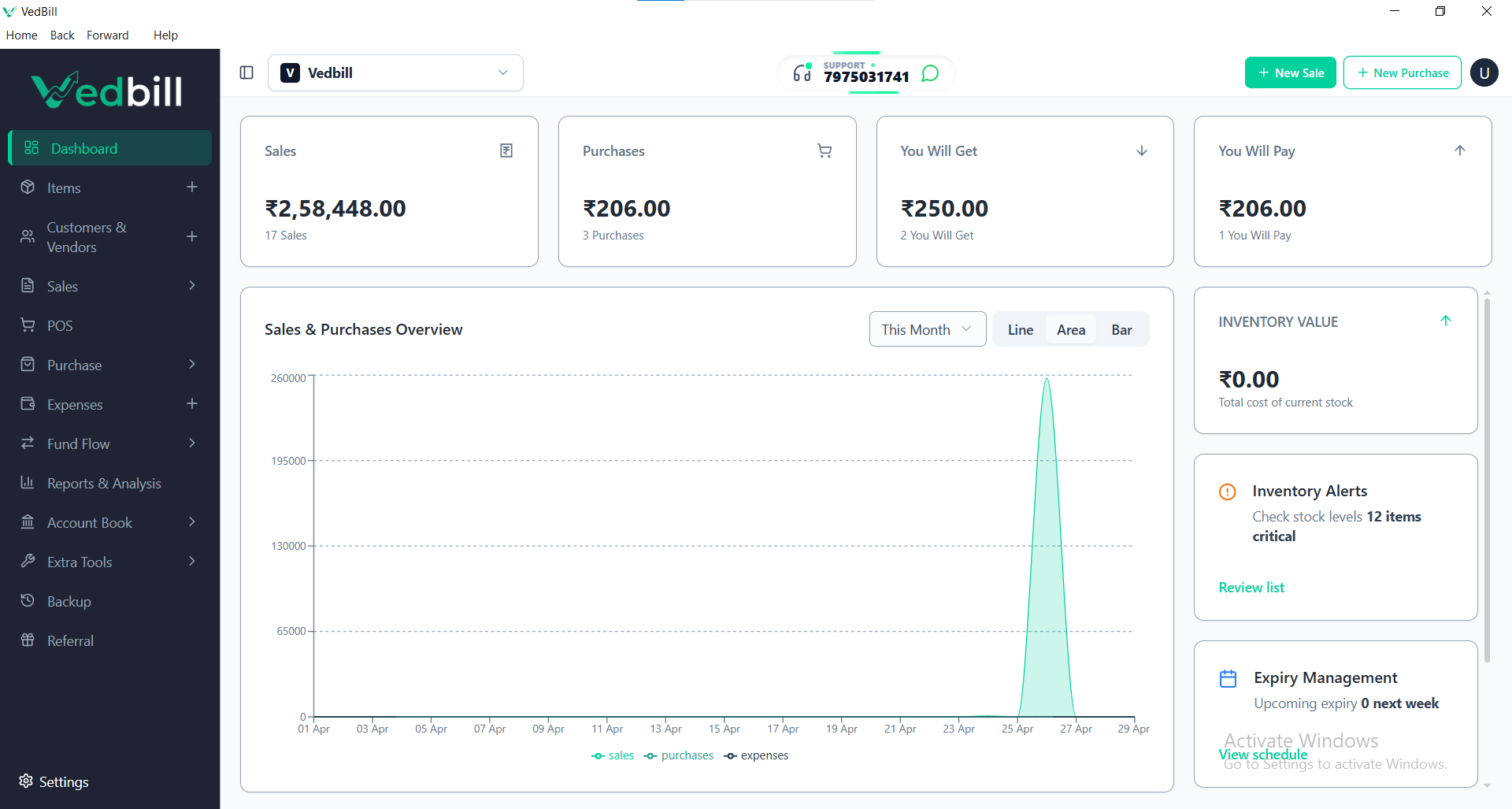
VedBill is the top-rated software for Karnataka MSMEs because it is completely free, runs 100% locally on Windows computers without requiring internet connectivity, supports both GST and non-GST retail billing, and allows one-click export of sales records for easy tax filing with local tax consultants.
Operational Challenges for Small Retailers in Karnataka
Small business owners in Karnataka face everyday counter conditions that demand dependable, resilient software:
- Unstable Broadband in Tier 2 and Tier 3 Taluks: While major cities enjoy high-speed fiber, commercial hubs in semi-urban taluks frequently suffer from erratic broadband connections and power cuts. Cloud-based billing systems lock up completely when the connection drops.
- Subscription Fatigue: Many software companies lure shopkeepers with low introductory prices, only to demand ₹6,000 to ₹18,000 in mandatory annual renewal charges. For a family-run retail store, these recurring software expenses eat into tight margins.
- Complex Accounting Terminology: Many traditional software programs were engineered for chartered accountants, packed with double-entry debits, credits, and journal vouchers that confuse everyday counter staff.
- GST Scrutiny and Notice Risks: Incorrectly calculating 9% CGST and 9% Karnataka SGST on an 18% tax item, or misplacing HSN codes on consumer receipts, can attract tax scrutiny from the Karnataka Commercial Taxes Department.
Core Features Every Karnataka Small Business Needs in Billing Software
Before installing any billing application, confirm that it delivers these non-negotiable capabilities:
1. Reliable Offline Desktop Performance
The software must install locally on your desktop or laptop. Every transaction must be saved to your local storage drive instantly, guaranteeing that billing never stops regardless of internet outages.
2. Built-in Karnataka GST Calculation (State Code 29)
The system should automatically distinguish between intra-state sales within Karnataka (splitting tax into equal CGST and SGST portions) and inter-state trade across Maharashtra, Tamil Nadu, Andhra Pradesh, Kerala, or Telangana (applying IGST).
3. Dual Support for Thermal and A4 Invoices
Retail counters require quick 2-inch or 3-inch thermal paper slips for walk-in consumers, while B2B wholesale traders need professional A4 or A5 printed invoices with complete tax breakdown tables, bank account details, and terms of service.
4. Barcode Scanning and Rapid Item Search
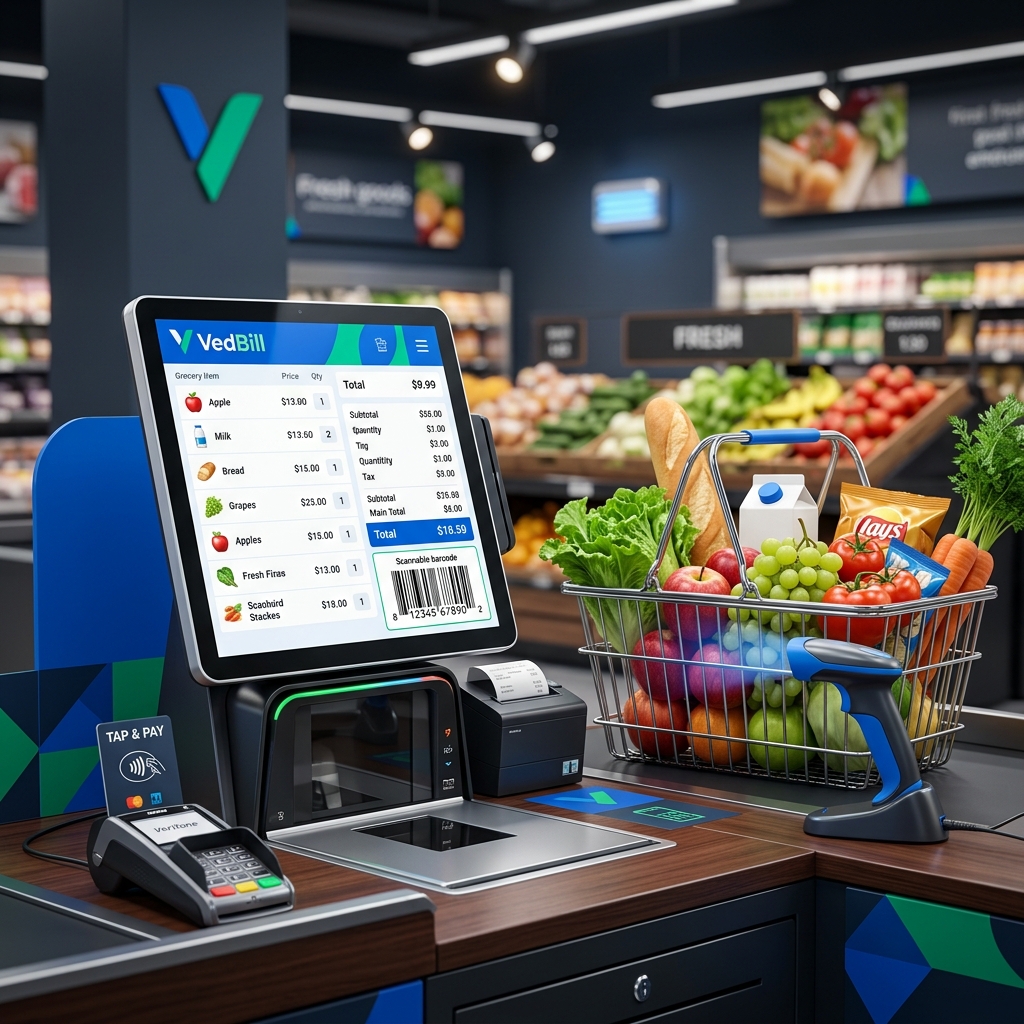
Whether using a handheld USB barcode scanner or quick typing search (searching by item name or item code), counter staff must be able to add products to an invoice in less than two seconds.
5. Automated Stock Deduction and Reorder Warnings
Every finalized sale must instantly reduce available inventory counts. When stock of essential items drops below safety levels, the system should flag the items for immediate reordering.
Step-by-Step Transition: Moving from Paper Bills to Computerized Billing
Adopting digital billing in your Karnataka store is straightforward:
- Step 1: Set Up Hardware: Ensure you have a Windows 10 or 11 PC, a standard USB barcode reader, and a thermal receipt printer or desktop laser printer.
- Step 2: Download VedBill: Install the application directly on your PC hard drive.
- Step 3: Enter Karnataka Business Details: Add your shop trade name, store address, phone number, and 15-digit Karnataka GSTIN.
- Step 4: Load Product Inventory: Enter your product catalog with selling prices, cost prices, tax percentages (0%, 5%, 12%, 18%, 28%), and HSN codes.
- Step 5: Issue Your First Digital Bill: Scan an item barcode, collect payment (Cash, UPI, or Card), and print an instant, professional receipt.
Evaluation Checklist for Karnataka Retailers
Use this checklist to evaluate any billing software before making a commitment:
- [ ] Does it operate 100% offline without requiring internet for billing?
- [ ] Is there zero recurring monthly or annual subscription fee?
- [ ] Does it support Karnataka SGST (Code 29) and IGST tax structures?
- [ ] Can it print to standard 58mm and 80mm thermal receipt printers?
- [ ] Does it support barcode scanning out of the box?
- [ ] Can you export sales summaries directly to Excel for your local tax consultant?
- [ ] Does it track stock levels in real time and alert on low inventory?
- [ ] Can non-technical staff learn to generate bills within 15 minutes?
Comparison: Free Desktop Billing vs Expensive Cloud POS in Karnataka
| Evaluation Parameter | VedBill Desktop Software | Standard Cloud POS Systems | | :--- | :--- | :--- | | Price | 100% Free Forever | ₹6,000 to ₹18,000 yearly renewal | | Internet Dependency | Zero internet needed | Must have active broadband | | Counter Billing Speed | Sub-second local response | 2 to 6 second latency per bill | | Data Control | Saved on your local hard drive | Stored on third-party remote cloud servers | | Power/Net Cut Resistance| Fully functional on UPS/battery | Paralyzed during connectivity loss | | GST Reports | 1-click GSTR-1 and GSTR-3B Excel export | Often locked behind higher subscription tiers |
The VedBill Solution for Karnataka Shop Owners
VedBill was created to empower small business owners across Karnataka by removing technological and financial barriers to digital billing:
- No Hidden Charges: Completely free software with zero license fees, watermark limitations, or transaction caps.
- 100% Offline Architecture: Keep billing customers at maximum speed even during heavy storms, power disruptions, or internet blackouts.
- Pre-Configured Indian Tax Slabs: Seamless compliance with Karnataka state tax guidelines and central GST regulations.
- One-Click Financial Reports: Generate daily sales totals, payment mode breakdowns (Cash, UPI, Card), and monthly GST reports ready for your auditor.
- Simple, Clean User Interface: Designed with intuitive keyboard navigation so any shop assistant can start billing immediately without specialized computer training.
Frequently Asked Questions (FAQs)
1. Can I use VedBill for both retail and wholesale billing in Karnataka?
Yes. VedBill supports both retail billing (B2C cash memos and thermal receipts) and wholesale invoicing (B2B tax invoices with customer GSTIN, HSN codes, and transport details on A4 or A5 paper).
2. What happens if my shop experiences an internet disconnection?
Nothing stops. Because VedBill runs 100% offline on your Windows desktop, every transaction, barcode scan, receipt print, and inventory calculation functions normally without any internet connection.
3. How do I provide sales data to my local tax consultant in Karnataka?
You can export comprehensive GSTR-1 sales reports and monthly ledger summaries directly to Microsoft Excel in a single click, then email or share the file with your tax consultant.
4. Can I customize the receipt with my shop name and Kannada contact details?
Yes. You can customize the store header, address lines, phone numbers, return policy terms, and custom notes on your thermal and A4 print templates.
Conclusion & Next Steps
Upgrading your small business in Karnataka from manual paper notebooks to modern computerized billing transforms customer satisfaction, prevents costly stock leakages, and keeps your GST filings accurate. You do not need to pay thousands of rupees in recurring software fees to get a professional, dependable point-of-sale system.
Empower your retail business today with reliable, zero-cost billing.
Download VedBill Free for Windows Desktop and take complete control of your shop's billing and inventory.
Manage Your Store with VedBill Desktop Software
VedBill is 100% free desktop billing software built for retail shops, supermarkets, pharmacies, and small businesses in India. No recurring subscriptions or expensive cloud fees.
VedBill Editorial Team
Retail & Billing Specialist at VedBill